
Mensuration of Prism
Loading the math board and drawing, please wait…
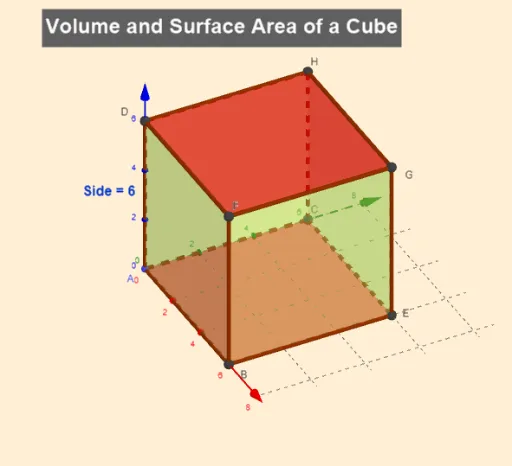
This example demonstrates the mensuration of a prism, focusing on the calculation of its surface area and volume. Using GeoGebra commands such as Random, Prism, and Point, the example allows for dynamic construction of the prism's faces and edges. Suitable for middle and high school students studying solid geometry.
GeoGebra Commands & Parameters
Random(2, 6) → aRandom(3, 6) → bRandom(2, 6) → cPrism(A, B, E, C, D) → d, I, edgeAB, edgeBE, edgeCE, edgeAC, edgeAD, edgeBI, edgeEJ, edgeCK, edgeDI, edgeIJ, J, edgeJK, edgeDK, K, faceABEC, faceABID, faceBEJI, faceCEJK, faceACKD, faceDIJKPoint(xAxis) → L
AI Drawing Prompt Reference
Create a prism with a rectangular base whose length is a random number between 2 and 6, width between 3 and 6, and height between 2 and 6. First, randomly determine the length, width, and height, then construct the prism's faces and edges based on these dimensions, and finally place a point on the x-axis.
The prompt above was compiled from the original drawing commands and is for reference only.