
Maximize the Area of a Triangle
Loading the math board and drawing, please wait…
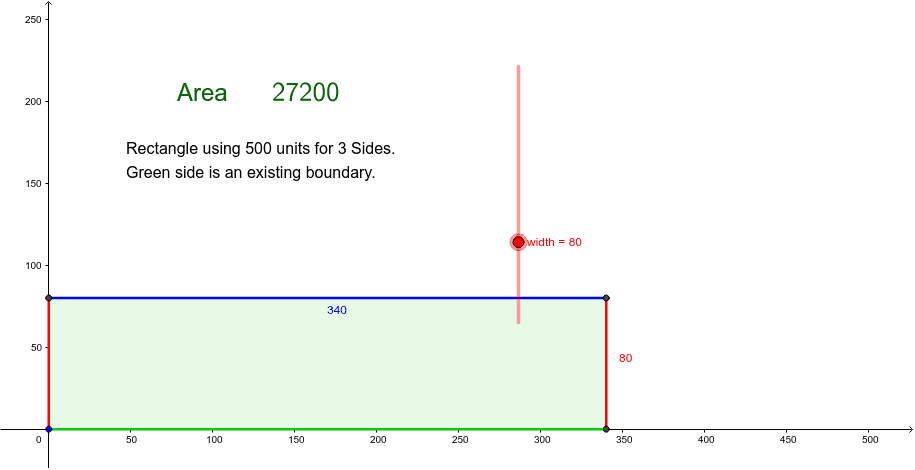
This example demonstrates how to maximize the area of a triangle by adjusting a slider. The core math concepts involved include optimization problems and triangle area calculation. The construction uses GeoGebra commands like Polygon, along with objects such as width, LL, UL, UR, LR, and displays the maximum area using text objects like text1, text2, text3. It is suitable for high school students learning coordinate geometry and optimization problems.
GeoGebra Commands & Parameters
Polygon(LL, UL, UR, LR) → poly1, ll, ul, ur, lrLaTeX(Area) → text2
AI Drawing Prompt Reference
Draw a triangle with vertices adjustable by a slider to maximize its area, demonstrating the solution to an optimization problem. The triangle is formed by connecting three points whose positions can be changed using a slider. Display the maximum area value with a text label and connect the three vertices with lines to form the triangle.
The prompt above was compiled from the original drawing commands and is for reference only.