
Mastering Multiplication Table
Loading the math board and drawing, please wait…
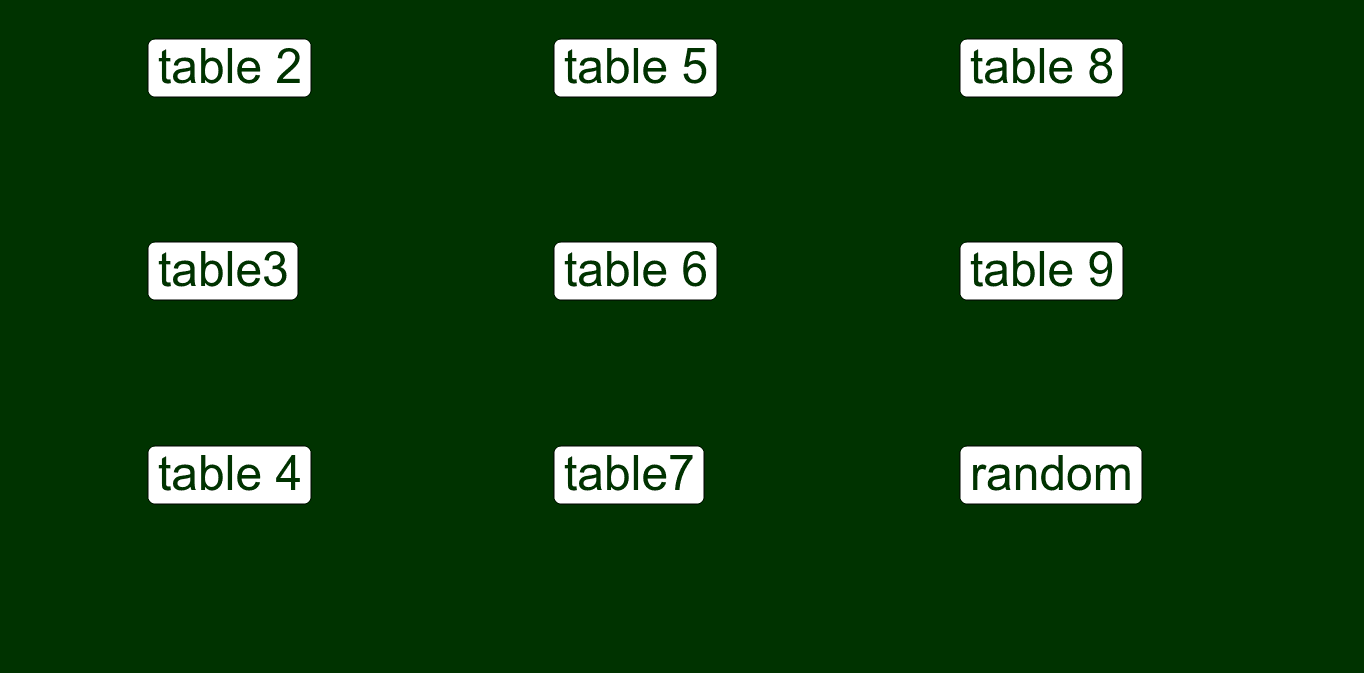
This example helps students master the multiplication table through an interactive approach. It involves the core mathematical concept of multiplication. Using GeoGebra commands such as Last, Element, Textfield, and Random, it dynamically generates multiplication problems. Students input their answers, and the system provides instant feedback. Suitable for high-grade elementary and junior high school students to improve their multiplication skills.
GeoGebra Commands & Parameters
Last(done) → multElement(mult, 1) → multiplierTextfield(in02) → inputBox02Textfield(in03) → inputBox03Textfield(in04) → inputBox04Textfield(in05) → inputBox05Textfield(in06) → inputBox06Textfield(in07) → inputBox07Textfield(in08) → inputBox08Textfield(in09) → inputBox09Random(3, 9) → randMultiplicandRandom(2, 9) → randMultiplierTextfield(in_r) → inputBox_r
AI Drawing Prompt Reference
Create an interactive multiplication table exercise with 9 input boxes for students to input answers to 9 multiplication problems. Randomly generate two numbers, one between 3 and 9, and the other between 2 and 9, as the factors in the multiplication problems. Students enter their answers in the input boxes, and the system provides instant feedback.
The prompt above was compiled from the original drawing commands and is for reference only.