
Making the Moves
Loading the math board and drawing, please wait…
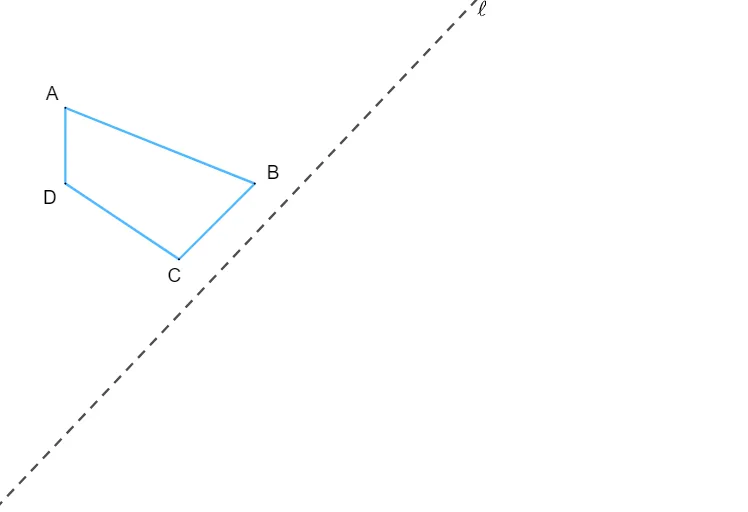
This example demonstrates how to perform geometric transformations using GeoGebra. It involves core math concepts such as ratios and geometric mean. By constructing polygons and lines, users can learn how to use the Polygon and Line commands. Suitable for middle and high school students learning geometric transformations.
GeoGebra Commands & Parameters
Polygon({A, B, C, D}) → q1Line(E, F) → f
AI Drawing Prompt Reference
Draw a quadrilateral defined by four vertices, connecting them in order to form a closed shape. Then, choose two points outside the quadrilateral's vertices and draw a straight line through them, ensuring the line intersects or passes through the quadrilateral's interior. The composition should clearly show the spatial relationship between the quadrilateral and the line, suitable for studying geometric transformations.
The prompt above was compiled from the original drawing commands and is for reference only.