
Magic Point 9: Move a Point Between A and B Using a Slider
Loading the math board and drawing, please wait…
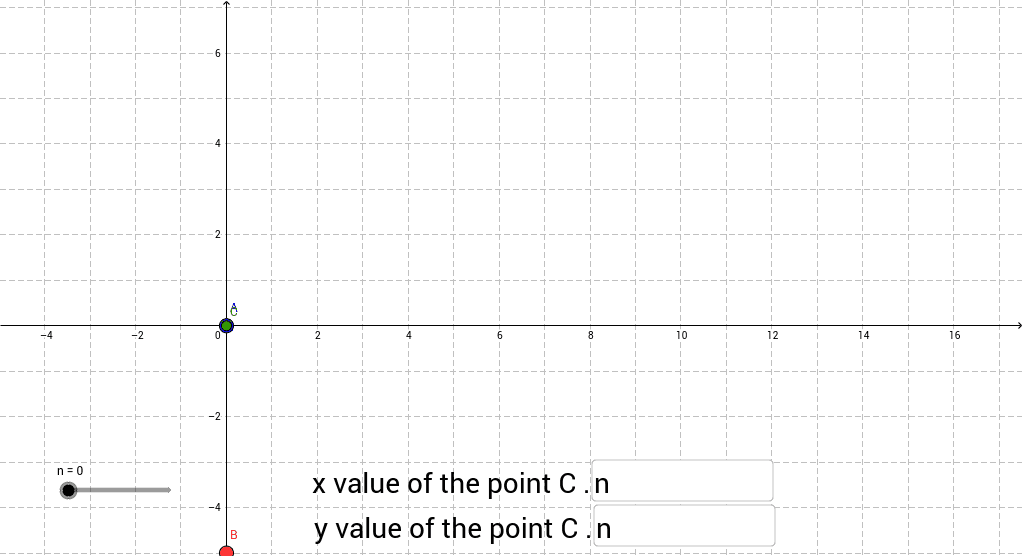
This example demonstrates moving a point between points A and B using a slider that adjusts the point's coordinate definitions, illustrating linear interpolation and parametric equations. Core concepts include coordinate geometry, vector operations, and the midpoint formula. The GeoGebra construction uses Textfield and If commands, with input boxes controlling parameters n, a, b to dynamically compute point C. It is suitable for high‑school algebra and geometry students and anyone learning parametric motion.
GeoGebra Commands & Parameters
Textfield(a) → inputBox1Textfield(b) → inputBox2If(b > 0, 0 * n + b, b) → c
AI Drawing Prompt Reference
Draw a graph showing a point moving between two fixed points A and B. Use a slider to adjust the point's coordinates so it moves linearly from A to B. The graph should include points A, B, a movable point, and a line segment connecting them. The construction order is to draw points A and B first, then add the movable point, and finally control the point's position via the slider.
The prompt above was compiled from the original drawing commands and is for reference only.