
Long Subtraction
Loading the math board and drawing, please wait…
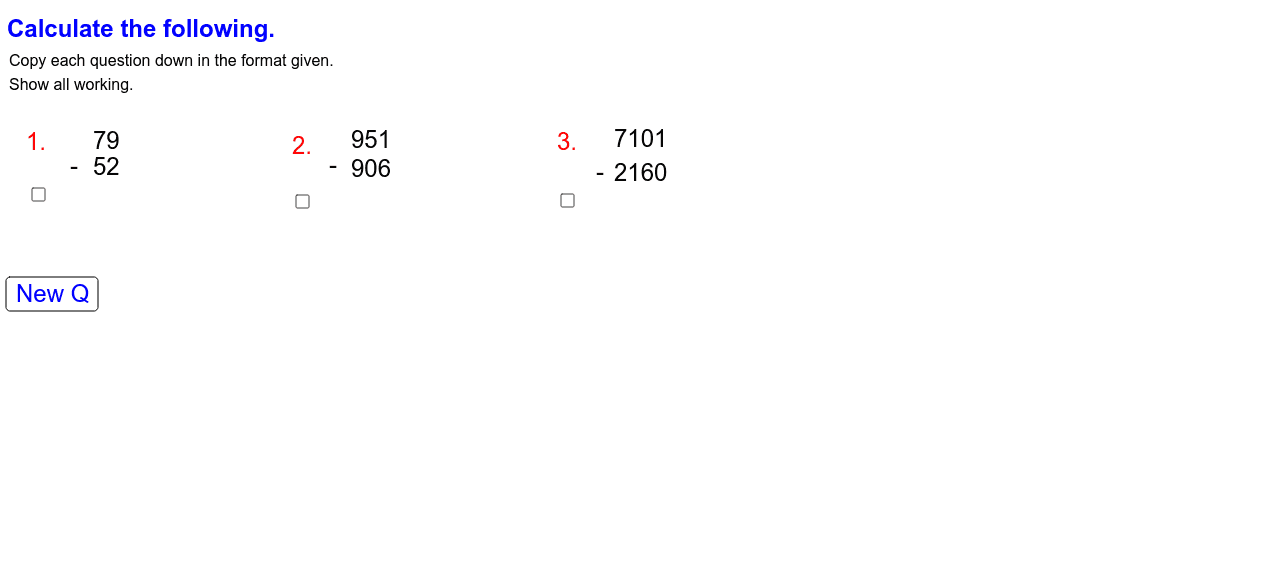
This example demonstrates the process of long subtraction. It involves the core concept of subtraction. Using GeoGebra commands such as Random, text, and button, it dynamically shows the steps of subtraction. Suitable for high-grade elementary or junior high school students to learn subtraction.
GeoGebra Commands & Parameters
Random(1, 12) → posnaRandom(1, 12) → posnbRandom(10, 90) → a_2Random(10, 90) → a_3Random(40, 99) → aRandom(10, a) → a_1Random(300, 999) → bbRandom(100, bb) → bb_1Random(4000, 9999) → ccRandom(1000, cc) → cc_1
AI Drawing Prompt Reference
Create a long subtraction process. Generate two random numbers between 1 and 12 for the tens place of the minuend and subtrahend, then generate a random number between 10 and 90 for the ones place of the minuend. Next, generate a random number between 40 and 99 for the subtrahend, and then a random number between 10 and the subtrahend for the ones place of the subtrahend. Then, generate a random number between 300 and 999 for the hundreds place of the minuend, and a random number between 100 and the hundreds place of the minuend for the tens place of the minuend. Finally, generate a random number between 4000 and 9999 for the thousands place of the subtrahend, and a random number between 1000 and the thousands place of the subtrahend for the hundreds place of the subtrahend.
The prompt above was compiled from the original drawing commands and is for reference only.