
Linear Equations Self-Check: Draw Lines from Equations
Loading the math board and drawing, please wait…
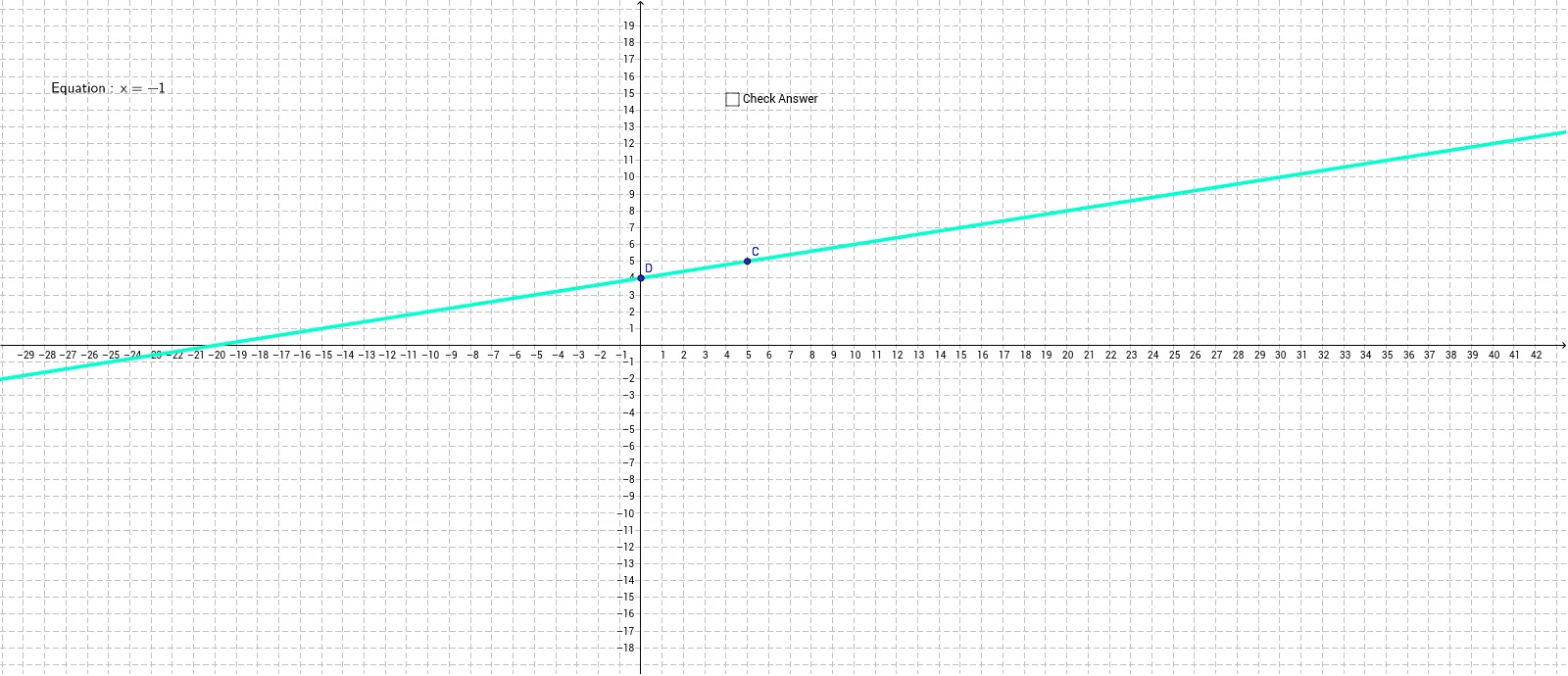
This example demonstrates how to plot a straight line on the coordinate plane from a given linear equation and lets students verify their own graph. Core concepts include linear functions, standard form of a linear equation, geometric meaning of slope and intercept, and the correspondence between points, lines, and equations in analytic geometry. Construction highlights: the `Line` command creates lines from two points or an equation; `LaTeX` produces the formula text `text1`; points `A, B, C, D` serve as reference and intersection points; the `Equation` object stores the equation string; auxiliary lines `b` and `c` aid visualization; `pic1` and `pic2` are image objects for UI feedback. Suitable for middle‑school algebra, high‑school analytic geometry, classroom demos, self‑practice, or online self‑assessment, and as an introductory GeoGebra activity for graphing linear equations.
GeoGebra Commands & Parameters
Line(A, B) → EquationLaTeX(Equation, true, true) → text1Line(D, C) → b
AI Drawing Prompt Reference
Draw two lines in a coordinate plane through specified reference points, and display their equations. Label the equations with text and include auxiliary lines for clarity.
The prompt above was compiled from the original drawing commands and is for reference only.