
Geometric Dilation Exploration
Loading the math board and drawing, please wait…
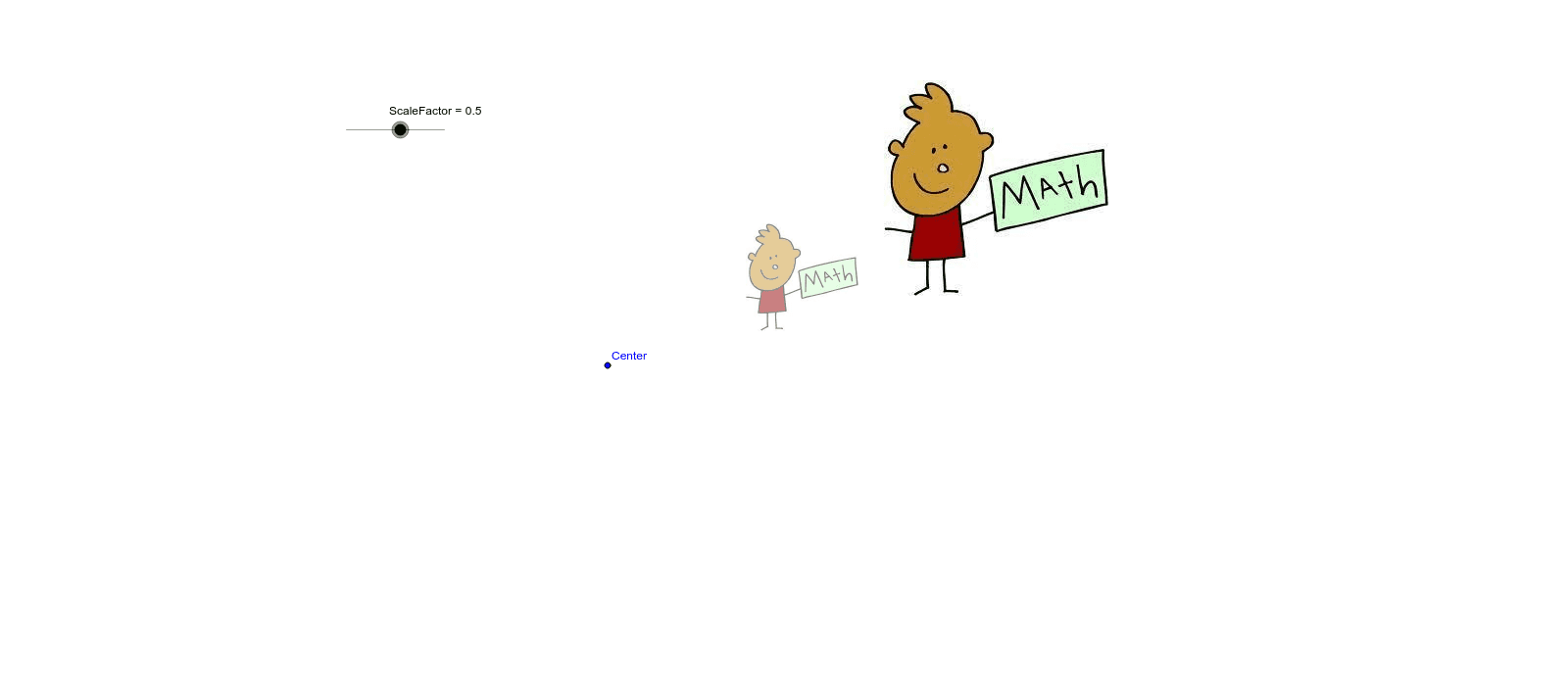
This GeoGebra example demonstrates geometric dilation, where a shape is enlarged or reduced by a scale factor from a fixed center point. Students can interactively adjust the scale factor using a slider to observe how side lengths, area, and position change while preserving shape similarity. The construction uses the Dilate command with a graphical object, a scale factor parameter, and a center point, making it an ideal tool for teaching transformation geometry, similarity, and proportional reasoning in middle and high school mathematics.
GeoGebra Commands & Parameters
Dilate(pic1, ScaleFactor, Center) → pic1'
AI Drawing Prompt Reference
Draw a triangle ABC and dilate it with point O as the center and a scale factor to observe the enlargement or reduction of triangle ABC while maintaining its similarity.
The prompt above was compiled from the original drawing commands and is for reference only.