
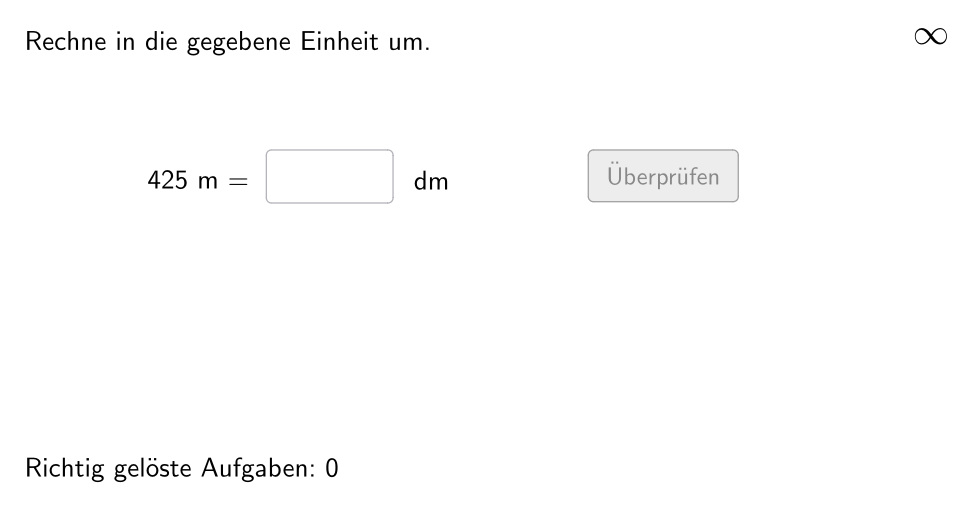
Length Unit Conversion Practice - Level 1
Loading the math board and drawing, please wait…
In collections
Wiederholung: Längen- und Flächenmaße
This example demonstrates the process of converting between different length units, involving core math concepts like unit conversion and measurement. It utilizes GeoGebra commands such as Sequence, Element, If, Textfield, Defined for interactive practice, suitable for upper elementary students.
GeoGebra Commands & Parameters
Sequence(If[¬allowDecimalNumbers, Random[1, 1000], Random[1, 10000] / Element[{10, 100, 1000}, Random[1, 3]]], i, 1, 100) → randomNumbersElement(randomNumbers, Mod[questionCount, Length[randomNumbers]] + 1) → randomNumberSequence(Random[1, Length[numberMatchingUnits]], i, 1, 100) → randomUnitsLeft, {4, 2, 3, 2, 2, 4, 5, 1, 4, 5, 5, 5, 5, 3, 3, 4, 4, 4, 2, 5, 1, 4, 2, 5, 4, 1, 5, 2, 3, 3, 3, 1, 4, 5, 2, 4, 3, 2, 3, 2, 2, 5, 1, 3, 4, 1, 2, 1, 2, 4, 4, 2, 1, 2, 3, 4, 3, 1, 1, 1, 1, 5, 3, 4, 5, 4, 2, 5, 2, 4, 2, 1, 3, 1, 1, 1, 2, 3, 2, 1, 4, 5, 3, 4, 5, 1, 3, 3, 4, 1, 2, 4, 4, 1, 4, 4, 3, 5, 4, 5}Element(randomUnitsLeft, Mod[questionCount, Length[randomUnitsLeft]] + 1) → actualUnitLeftElement(allowedUnits, actualUnitLeft) → actualAllowedUnitsElement(actualAllowedUnits, Random[2, Length[actualAllowedUnits]]) → actualUnitRightInfoElement(actualUnitRightInfo, 1) → actualUnitRightElement(actualUnitRightInfo, 2) → actualUnitRightFactorIf(unitLeftSmaller, round(((randomNumber * actualUnitRightFactor) * 1000)) / 1000, randomNumber) → valueRightTextfield(inputNumber) → inputBox1Defined(inputNumber) → clickableBtnValidateIf(unitLeftSmaller, randomNumber, round(((randomNumber * actualUnitRightFactorInvers) * 1000)) / 1000) → valueLeft
AI Drawing Prompt Reference
Create an interactive graphing layout for a level-1 length unit conversion practice. Randomly select a “left length unit” and a “right length unit” from an allowed set, and display them together with a generated left-side length value. Use the units’ conversion factors to compute the corresponding right-side value, applying the same rounding behavior that depends on whether the left unit is smaller. Place a text input box for the user to type the target value and include a clickable validate button. Add on-graph text that clearly shows the current numbers and the unit pair being converted.
The prompt above was compiled from the original drawing commands and is for reference only.