
Length Conversions - Level 1 (Decimals)
Loading the math board and drawing, please wait…
In collections
Wiederholung: Längen- und Flächenmaße
This example demonstrates basic length unit conversions, involving core math concepts like unit conversion, decimal operations, and measurement. It utilizes GeoGebra commands such as Sequence, Element, If, Textfield, Defined for interactive practice, suitable for 5-6th grade students to enhance their skills in measurement and unit conversions.
GeoGebra Commands & Parameters
Sequence(If[¬allowDecimalNumbers, Random[1, 1000], Random[1, 10000] / Element[{10, 100, 1000}, Random[1, 3]]], i, 1, 100) → randomNumbersElement(randomNumbers, Mod[questionCount, Length[randomNumbers]] + 1) → randomNumberSequence(Random[1, Length[numberMatchingUnits]], i, 1, 100) → randomUnitsLeft, {1, 5, 4, 1, 1, 5, 1, 3, 1, 2, 2, 3, 3, 5, 5, 4, 4, 3, 2, 4, 5, 5, 4, 4, 1, 3, 4, 5, 4, 5, 5, 3, 3, 1, 2, 1, 2, 5, 1, 3, 4, 2, 1, 3, 4, 4, 5, 2, 5, 5, 5, 2, 2, 1, 2, 3, 2, 5, 1, 4, 1, 2, 1, 5, 5, 1, 1, 1, 2, 5, 1, 4, 2, 4, 3, 5, 3, 5, 4, 2, 3, 1, 5, 4, 3, 2, 4, 5, 3, 4, 1, 4, 4, 5, 2, 5, 3, 4, 5, 1}Element(randomUnitsLeft, Mod[questionCount, Length[randomUnitsLeft]] + 1) → actualUnitLeftElement(allowedUnits, actualUnitLeft) → actualAllowedUnitsElement(actualAllowedUnits, Random[2, Length[actualAllowedUnits]]) → actualUnitRightInfoElement(actualUnitRightInfo, 1) → actualUnitRightElement(actualUnitRightInfo, 2) → actualUnitRightFactorIf(unitLeftSmaller, round(((randomNumber * actualUnitRightFactor) * 1000)) / 1000, randomNumber) → valueRightTextfield(inputNumber) → inputBox1Defined(inputNumber) → clickableBtnValidateIf(unitLeftSmaller, randomNumber, round(((randomNumber * actualUnitRightFactorInvers) * 1000)) / 1000) → valueLeft
AI Drawing Prompt Reference
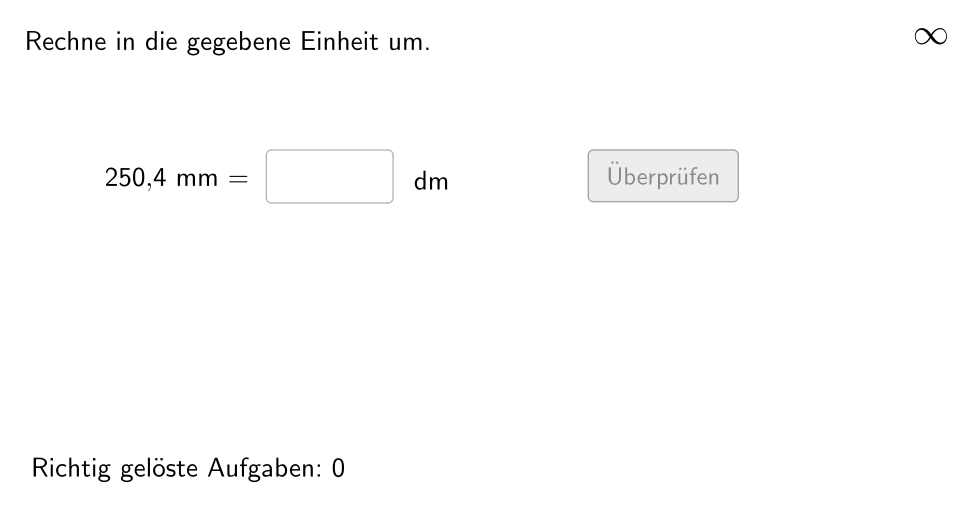
Create an interactive length unit conversion practice program with a text box displaying random numbers, left side units including meters, decimeters, centimeters or millimeters, and a unit selection menu on the right. The interface includes an input box for users to fill in conversion results and a validation button to check answers. The program dynamically displays conversion problems based on randomly generated numbers and units, automatically performing multiplication when the left unit value is smaller or division when larger, with results rounded to three decimal places. The overall layout shows a horizontal conversion equation with left, middle and right sections for starting value, equals sign and target value, with input area and validation button below.
The prompt above was compiled from the original drawing commands and is for reference only.