
Law of Sines in SSA Case
Loading the math board and drawing, please wait…
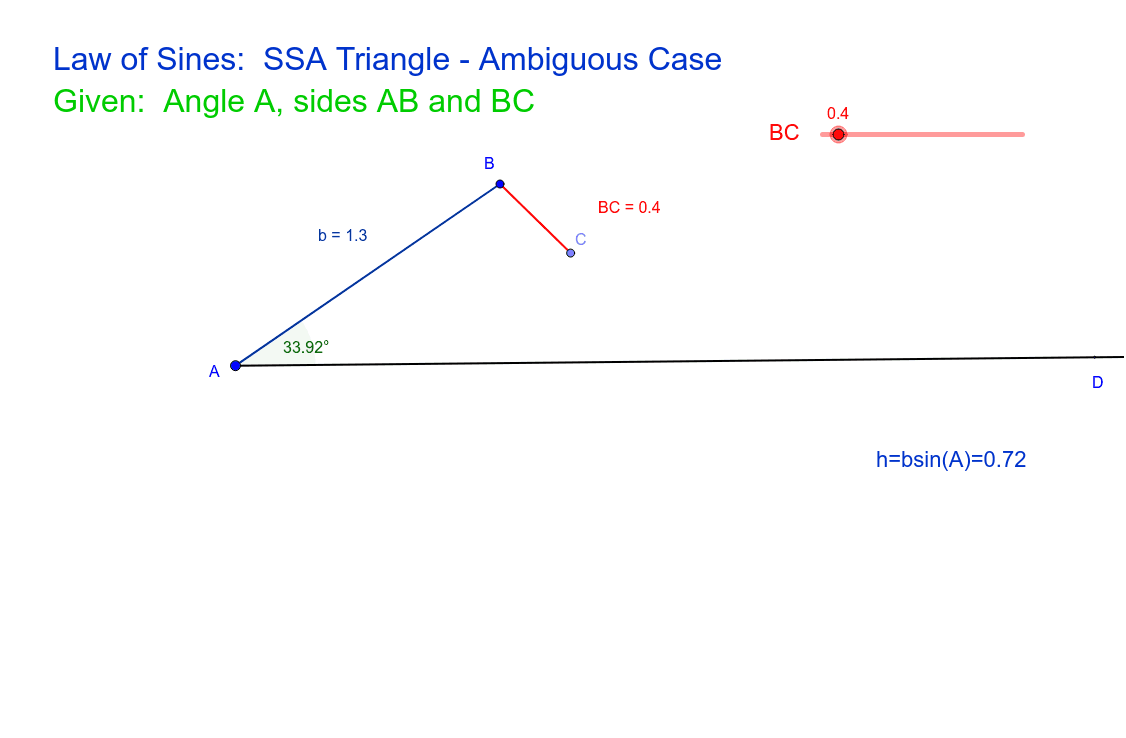
This example demonstrates the application of the Law of Sines in the SSA (two sides and a non-included angle) case. Key mathematical concepts include the sine law in trigonometry. Using GeoGebra commands such as Ray, Point, Segment, and Angle, a triangle is constructed and the solutions under different conditions are observed. Suitable for high school mathematics education and learning the application of the Law of Sines.
GeoGebra Commands & Parameters
Ray(A, D) → cPoint(Circle[B, CD_1]) → CSegment(B, C) → BCSegment(A, B) → bAngle(c, b) → α
AI Drawing Prompt Reference
Draw a triangle ABC with AB and BC as known sides and angle A as a non-included angle. Use the Law of Sines to find the other sides and angles. First, draw a ray AD, then draw a circle with B as the center and CD as the radius to find the intersection point C, connect BC and AB, and finally measure the angle α between the sides c and b.
The prompt above was compiled from the original drawing commands and is for reference only.