
Law of Sines Ambiguous Case SSA
Loading the math board and drawing, please wait…
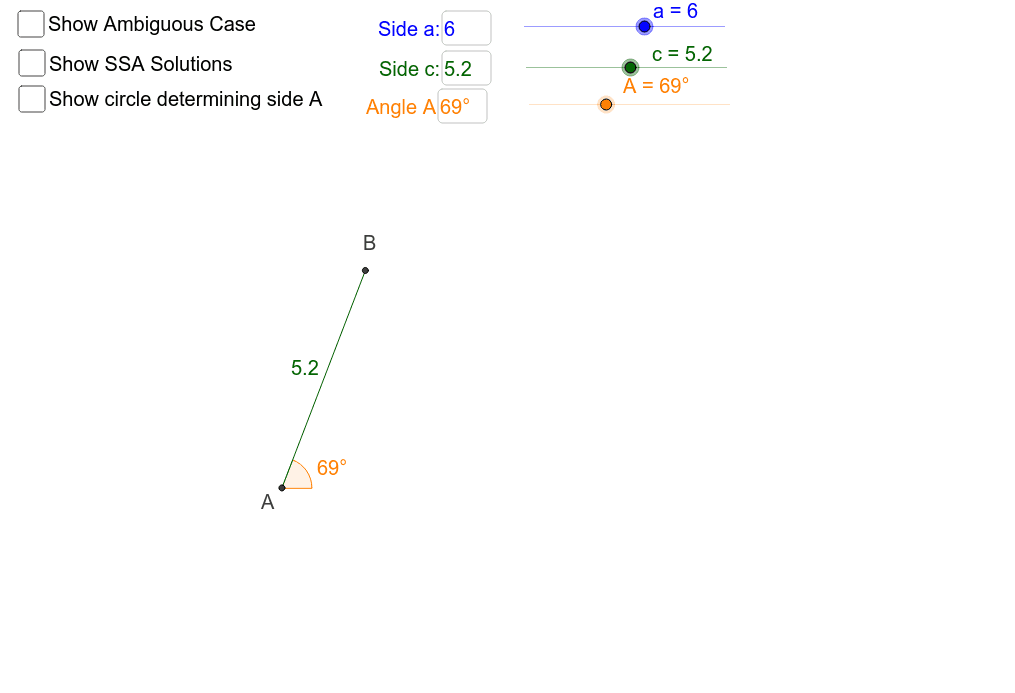
This example demonstrates the ambiguous case of the Law of Sines when given two angles and a non-included side (SSA). It visually illustrates how two distinct triangles can be formed under the same conditions. Key math concepts include the Law of Sines, triangle construction, and geometric ambiguity. The construction uses commands like Intersect, Point, Ray, Rotate, Angle, Circle, Segment, OrthogonalLine, and Textfield to create dynamic visualizations. Suitable for high school trigonometry and geometry classes to explore triangle properties and problem-solving strategies.
GeoGebra Commands & Parameters
Intersect(xAxis, yAxis) → A_1Point(xAxis) → FRay(A_1, F) → c_1Rotate(F, A, A_1) → F'Angle(F, A_1, F') → βRay(A_1, F') → d_1Circle(A_1, c) → eIntersect(e, d_1, 1) → BSegment(A_1, B) → c_3Circle(B, a) → c_2Intersect(c_2, c_1) → D, CSegment(B, C) → a_2Segment(B, D) → gSegment(A_1, D) → iPoint(i) → ESegment(A_1, C) → jPoint(j) → GOrthogonalLine(B, c_1) → kIntersect(c_2, k) → H, ISegment(H, B) → lAngle(B, D, A_1) → γAngle(B, C, A_1) → δPoint(c_3) → JTextfield(a) → inputBox1Textfield(c) → inputBox2Textfield(A) → inputBox3
AI Drawing Prompt Reference
Draw a visualization of the ambiguous case of the Law of Sines with two given angles and a non-included side, showing how two distinct triangles can form. Start with intersecting axes, draw a ray from a point for the non-included side, rotate to form the second angle, intersect a circle with the ray to find triangle vertices, connect the sides, and add perpendicular lines and circles. Label angles and sides, include input boxes for measurements.
The prompt above was compiled from the original drawing commands and is for reference only.