
Kite - Point Symmetry
Loading the math board and drawing, please wait…
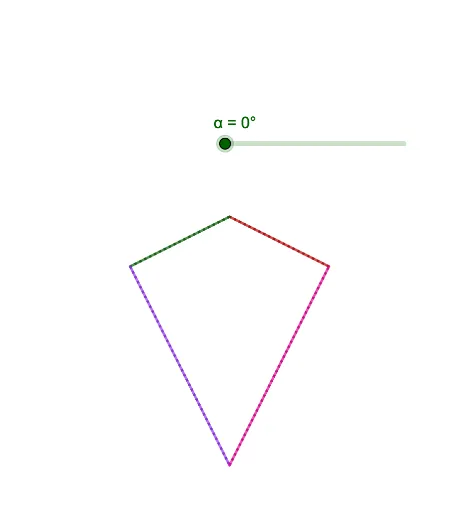
This example demonstrates the point symmetry of a kite using rotation commands in GeoGebra. Key mathematical concepts include symmetry, rotation, and geometric construction. The construction involves commands like Segment and Rotate, with objects such as A, B, C, D. Suitable for middle or high school geometry education to understand symmetry transformations and properties.
GeoGebra Commands & Parameters
Segment(D, A) → fSegment(A, B) → gSegment(B, C) → hSegment(C, D) → iRotate(C, α, E) → C'Rotate(D, α, E) → D'Segment(C', D') → i'Rotate(D, α, E) → D'_1Rotate(A, α, E) → A'Segment(D'_1, A') → f'Rotate(A, α, E) → A'_1Rotate(B, α, E) → B'Segment(A'_1, B') → g'Rotate(B, α, E) → B'_1Rotate(C, α, E) → C'_1Segment(B'_1, C'_1) → h'
AI Drawing Prompt Reference
Draw a kite formed by four segments connecting four vertices. Choose a center point and a rotation angle, then rotate each vertex about the center by that angle to obtain four symmetric vertices. Connect the rotated vertices in order to create a second kite, showing the point symmetry of the original kite about the center. The construction proceeds by first drawing the initial kite, then applying the rotation to all vertices, and finally drawing the corresponding sides of the rotated kite.
The prompt above was compiled from the original drawing commands and is for reference only.