
Kite Construction: Exploring a Special Quadrilateral
Loading the math board and drawing, please wait…
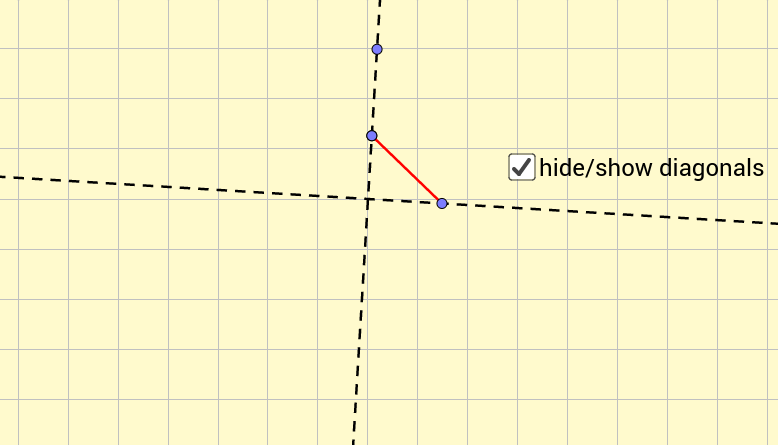
This GeoGebra example demonstrates how to construct a kite (a quadrilateral with two pairs of adjacent equal sides) step by step, highlighting its symmetry and geometric properties. The kite is a classic quadrilateral where one diagonal is the axis of symmetry, and the diagonals are perpendicular. The construction uses core GeoGebra commands: Circle, Point, Line, OrthogonalLine, Segment, and Mirror. Starting with a circle centered at A, a point B is placed on the circle, then lines and perpendiculars determine points C and D, and finally a reflection (Mirror) creates point D' to complete the kite. This example is ideal for middle or high school geometry classes, helping students visualize the definition of a kite, understand its symmetry, and practice basic geometric construction techniques. It also serves as a foundation for exploring properties like diagonal perpendicularity, area calculation, and the relationship between side lengths.
GeoGebra Commands & Parameters
Circle(A, 3) → cPoint(c) → BLine(B, A) → fOrthogonalLine(A, f) → gPoint(g) → CPoint(f) → DSegment(C, D) → hMirror(D, f) → D'
AI Drawing Prompt Reference
Draw a special quadrilateral called a kite, where the diagonals are perpendicular. Start by drawing a circle centered at point A with a radius of 3. Then pick a point B on the circle. Draw a line f through points A and B, and draw a line g perpendicular to f and passing through A. Pick a point C on line g and a point D on line f. Connect points C and D. Finally, reflect point D over line f to get point D', completing the kite.
The prompt above was compiled from the original drawing commands and is for reference only.