
Kaleidoscope-Style Symmetry via Geometric Reflection (Kaleidoscope AC)
Loading the math board and drawing, please wait…
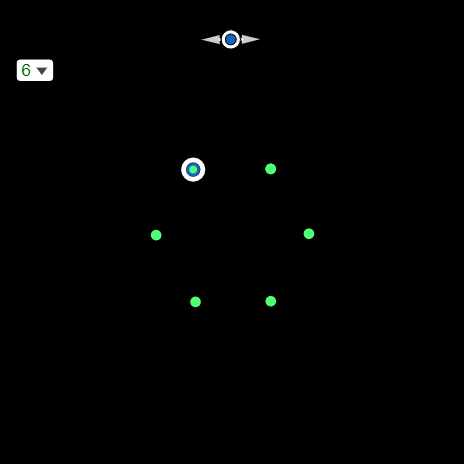
This GeoGebra example demonstrates a kaleidoscope-like geometric artwork generated through repeated mirror reflections and constraint-driven constructions. It highlights how symmetry can produce intricate, interwoven patterns by combining circles, lines, tangents, and intersection points. The core mathematical concepts include geometric transformations (Mirror reflection), circle/line relationships (Intersect), tangent construction constraints (Tangent), and direction/placement encoded with vectors (Vector); additionally, a Sequence is used to support stepwise or iterative generation of the pattern. Construction is built from GeoGebra commands such as Circle, Point, Line, Sequence, Mirror, Tangent, Intersect, and Vector, and relies on intermediate geometric objects (e.g., labeled points and reflected copies) to propagate the structure. The scene is suitable for classroom demonstrations and for learners exploring transformations, classical geometry constructions, and iterative symmetric pattern formation.
GeoGebra Commands & Parameters
Circle(A, 1) → cPoint(c) → BLine(A, B) → fSequence(Rotate[B, (((2 * π) * k)) / SelectedElement[l1], A], k, 0, SelectedElement[l1]) → l2Sequence(Line[Element[l2, k], Element[l2, SelectedElement[l1] / 2 + k]], k, 1, SelectedElement[l1] / 2) → l3Sequence(Rotate[C, ((4 * π) * k / SelectedElement[l1])], k, 0, SelectedElement[l1] / 2) → l4Mirror(l4, f) → l4'Tangent(B, c) → g,Circle(B, 0.15) → dIntersect(d, g) → E, FVector(K, E) → uVector(K, F) → v
AI Drawing Prompt Reference
Draw a unit circle with a center point, and place a point on the circle. Connect the center to this point to form an axis of symmetry. Rotate the point around the center in equal angular steps to generate a series of symmetric points, then connect points that are half a rotation apart with straight lines to create an intersecting web. Reflect the entire set of rotated points across the axis to obtain mirrored counterparts. Choose another point on the circle, draw a tangent line at that point, and place a small circle centered there. The small circle intersects the tangent at two points; from these, draw vectors indicating the pattern's extension direction. The result is a kaleidoscopic, symmetric interwoven design.
The prompt above was compiled from the original drawing commands and is for reference only.