
Isosceles Triangle
Loading the math board and drawing, please wait…
In collections
The GeoGebra's Toolbox for Teachers and Students
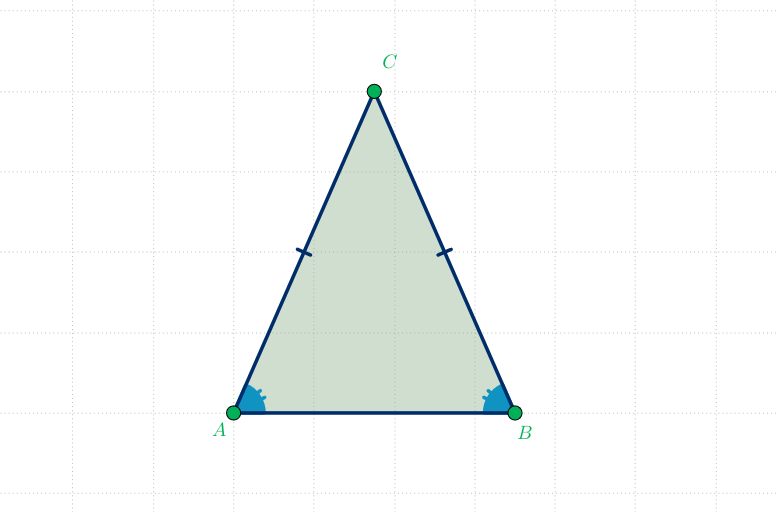
An interactive isosceles triangle for teaching and learning. Demonstrates properties of isosceles triangles, including medians, altitudes, and base angles. Constructed using GeoGebra commands such as Segment, Midpoint, OrthogonalLine, etc. Suitable for middle school and above students learning geometry.
GeoGebra Commands & Parameters
Segment(A, B) → aMidpoint(A, B) → HOrthogonalLine(H, a) → bPoint(b) → CSegment(C, B) → cSegment(C, A) → dSegment(C, H) → altAngle(B, A, C) → αAngle(C, B, A) → βPolygon({A, B, C}) → t1
AI Drawing Prompt Reference
Draw an isosceles triangle with medians, altitudes, and diagonals. The isosceles triangle has two equal sides, medians connect the midpoints of the sides, altitudes are perpendicular to the base, and diagonals connect the vertices. First, draw the two equal sides, then draw the medians and altitudes, and finally draw the diagonals and angle labels.
The prompt above was compiled from the original drawing commands and is for reference only.