
Investigating Sine Graph Transformations
Loading the math board and drawing, please wait…
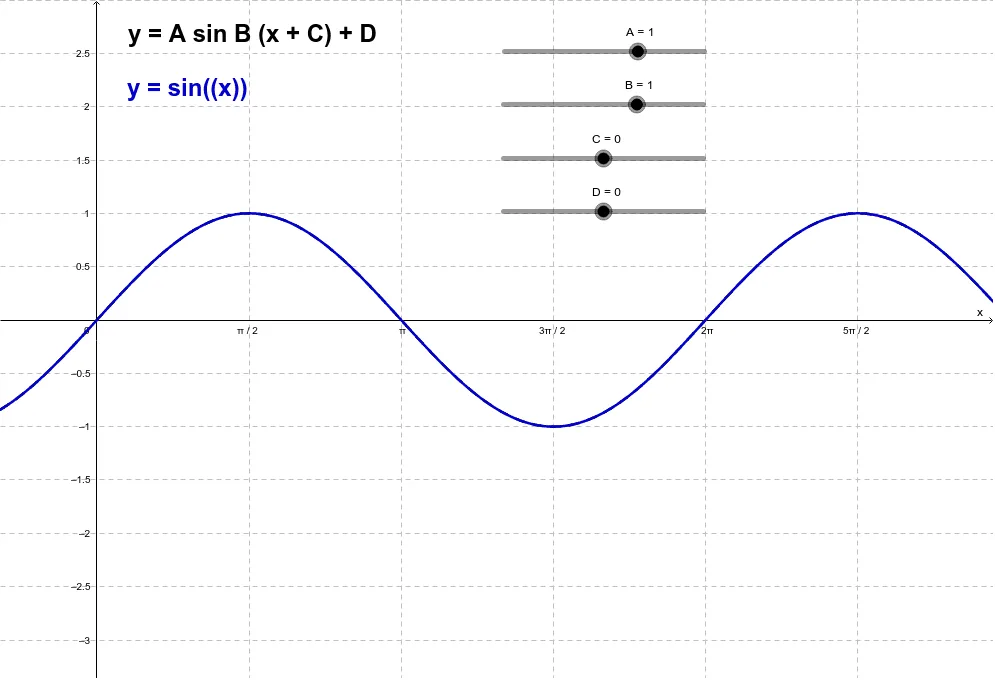
This example demonstrates how the graph of a sine function changes under different transformations, focusing on how key features—amplitude, period, phase shift, and vertical movement—respond to parameter variations. It centers on core ideas from trigonometry and function transformations, including the relationship between sine graphs and linear function components used to drive or interpret the transformation. In GeoGebra, the construction uses function objects f and g to represent the original and transformed sine functions, while points A, B, C, and D together with annotations (text1 and text2) capture and label the geometric/parametric quantities that guide the transformation. The setup is well suited for secondary school to early college instruction, as well as self-study for graph sketching and understanding transformation effects in trigonometric functions.
GeoGebra Commands & Parameters
f(x) = sin(x)Numeric A(1.0)Numeric B(1.0)Numeric D(0.0)Numeric C(0.0)g(x) = (A * sin((B * (x + C)))) + D
AI Drawing Prompt Reference
Draw a graph showing a standard sine curve and its transformed version. The original sine function has amplitude 1 and period 2π. The transformed function is defined by four parameters: amplitude, frequency, horizontal shift, and vertical shift. Mark four key points on the graph, each representing one of these parameters, and add text labels explaining how each parameter affects the sine graph. The image should clearly compare the original and transformed curves, highlighting changes in amplitude, period, horizontal translation, and vertical displacement.
The prompt above was compiled from the original drawing commands and is for reference only.