
Investigating Non-Linear Systems of Equations
Loading the math board and drawing, please wait…
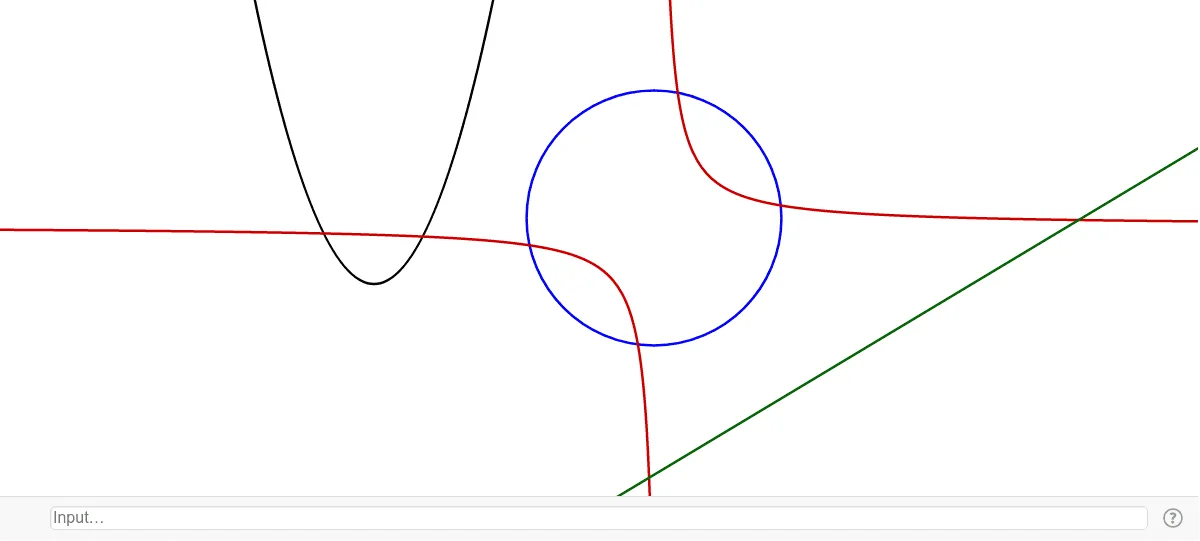
This example demonstrates how to use GeoGebra to investigate systems of non-linear equations. By plotting circles and lines, one can visually observe the intersection points of the equations, involving core mathematical concepts such as non-linear equations, coordinate geometry, and geometric constructions. Key construction steps include using the Circle command to create circle c, the Line command for line f, and objects like points A, B, C, D, and length a. Suitable for high school students learning graphical solutions and geometric interpretations of non-linear systems.
GeoGebra Commands & Parameters
Circle(A, B) → dLine(C, D) → a