
Introduction to vectors as translations
Loading the math board and drawing, please wait…
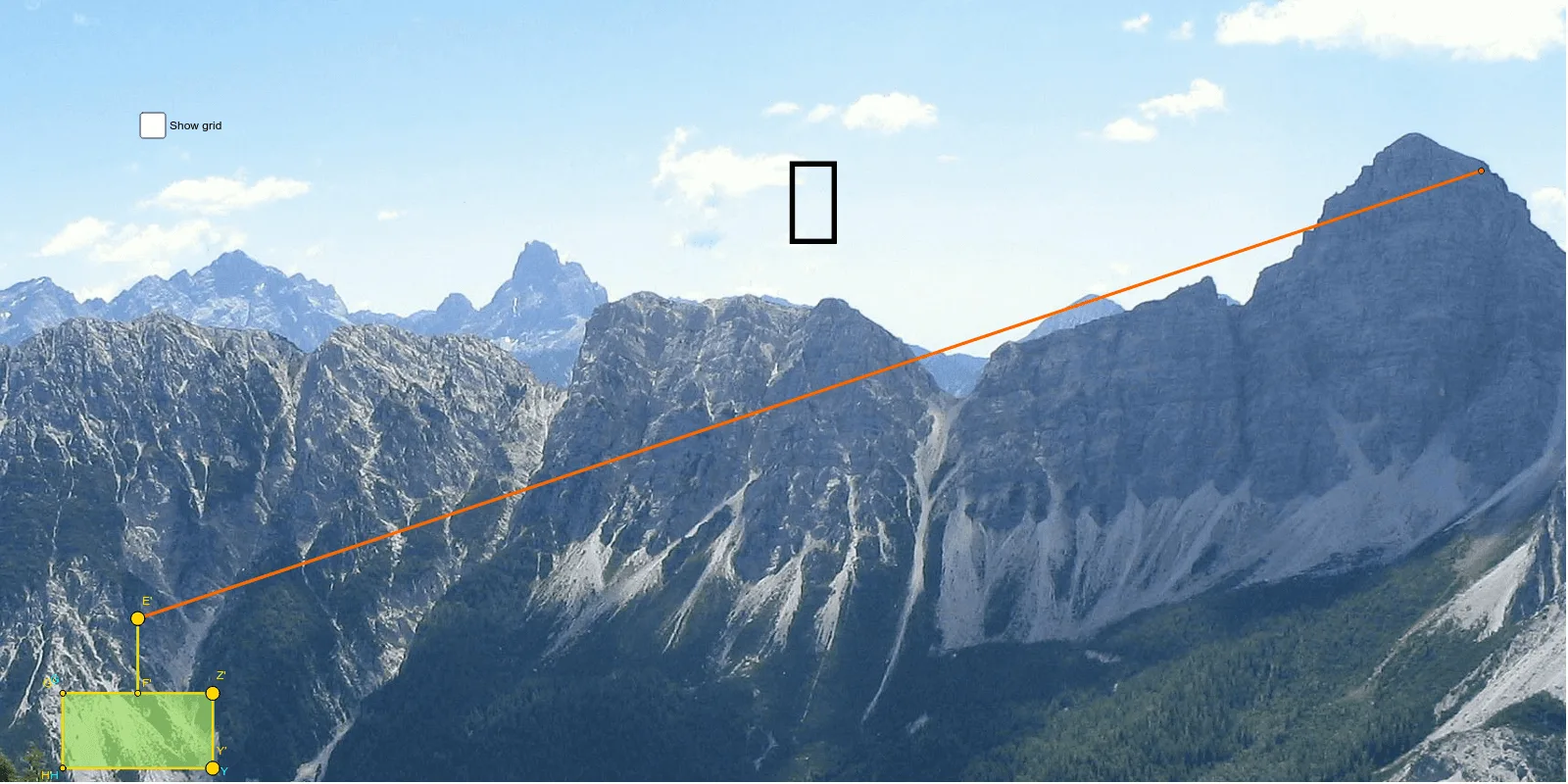
This example demonstrates how vectors can be used for translation transformations. Key mathematical concepts include vectors, translation, similarity transformations, etc. Construction involves GeoGebra commands such as Segment, Point, Line, OrthogonalLine, Mirror, Circle, Intersect, Polygon, Vector, Translate and objects like A, B, C, D, a, E, b, c, F, d, e, G, Z, f, g, h, k, H, I, Y, K, poly1, h_1, j, g', g'_1. Suitable for middle or high school mathematics learning to understand the basic principles of geometric transformations.
GeoGebra Commands & Parameters
Segment(C, D) → aPoint(a) → ELine(A, B) → bOrthogonalLine(E, b) → cPoint(c) → FSegment(E, F) → dOrthogonalLine(F, d) → ePoint(e) → GMirror(G, F) → ZOrthogonalLine(G, e) → fOrthogonalLine(Z, e) → gCircle(G, F) → hCircle(Z, F) → kIntersect(h, f) → H, IIntersect(k, g) → Y, KPolygon(H, Y, Z, G) → poly1, h_1, j, g', g_1Point(a) → E'Vector(E, E') → uTranslate(H, u) → H'Translate(Y, u) → Y'Translate(Z, u) → Z'Translate(G, u) → G'Polygon(H', Y', Z', G') → poly1', h', j', g'', g'_1Translate(E, u) → E'_1Translate(F, u) → F'Segment(E'_1, F') → d'Vector(Z, Z') → vVector(Y, Y') → w
AI Drawing Prompt Reference
Draw a geometric transformation diagram showing how vectors are used for translation. Start by drawing a line segment and its perpendicular line, then construct a polygon using intersections of circles and reflections. Represent the translation with a vector, move the polygon to its new position, and compare the original and translated shapes. Finally, label the original and terminal vectors to illustrate the translation relationship.
The prompt above was compiled from the original drawing commands and is for reference only.