
Introduction to Inverse Functions
Loading the math board and drawing, please wait…
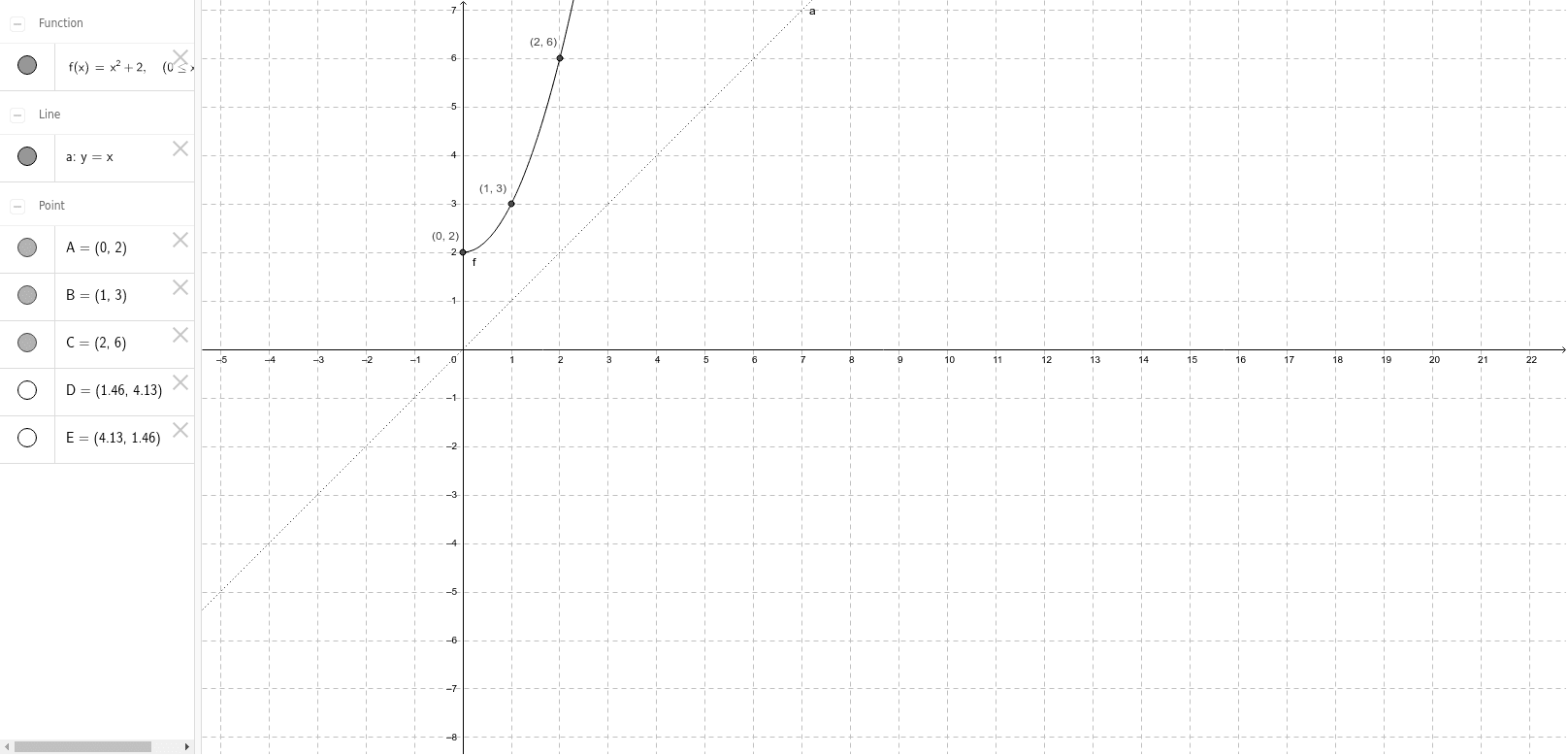
This example demonstrates the concept of inverse functions, which are created by reflecting the original function over the line y=x. Key mathematical concepts include inverse functions. GeoGebra commands used include Point, and objects a, f, A, B, C, D, E. Suitable for high school mathematics education and learning.
GeoGebra Commands & Parameters
Point(f) → D
AI Drawing Prompt Reference
Draw a function graph and mark the origin in the coordinate system. Then, draw a line through the origin at a 45-degree angle. Next, select a point on the function graph, reflect this point across the 45-degree line, and connect the original point and its reflection to illustrate the relationship between a function and its inverse.
The prompt above was compiled from the original drawing commands and is for reference only.