
Intersection of Two Planes (in a Prism)
Loading the math board and drawing, please wait…
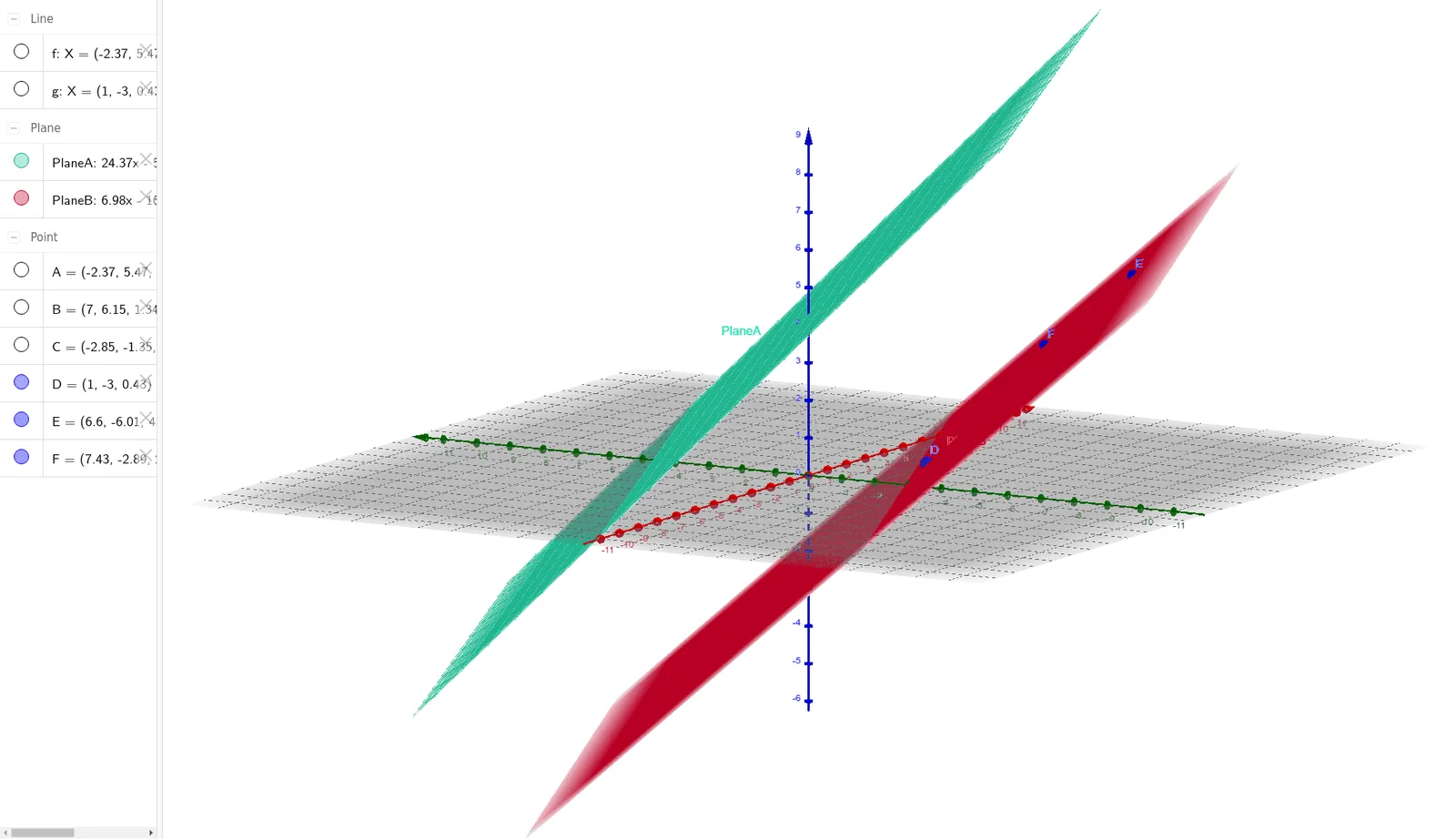
This example demonstrates the geometric phenomenon where two planes intersect along a straight line (the intersection line), visualized within a prism model to show the relationship between the intersection line and the prism's edges. The core mathematical concepts involve solid geometry: plane intersection, the equation of the intersection line, and the relative positions of lines and planes in 3D space. Construction highlights: using GeoGebra's Line and Plane commands, points A, B, C and plane f (PlaneA) are created, then points D, E, g and plane F (PlaneB) are created, and the intersection line is generated from the two planes. Suitable for high school solid geometry teaching or introductory university spatial analytic geometry, helping students understand the determination and visualization of intersecting planes.
GeoGebra Commands & Parameters
Line(A, B) → fPlane(C, f) → PlaneALine(D, E) → gPlane(D, F, E) → PlaneB
AI Drawing Prompt Reference
Draw a three-dimensional prism showing two planes intersecting along a straight line. First, define one edge of the prism and use it with a vertex to form the first plane. Then, define another edge on the opposite side and use it with another vertex to form the second plane. The two planes intersect inside the prism, producing a clear intersection line that should be visible and contrasted with the prism's edges. The overall figure should illustrate the relative positions of the planes and the prism, and the direction of the intersection line in space.
The prompt above was compiled from the original drawing commands and is for reference only.