
Interpreting and Writing Logarithmic Equations via Graph Insight
Loading the math board and drawing, please wait…
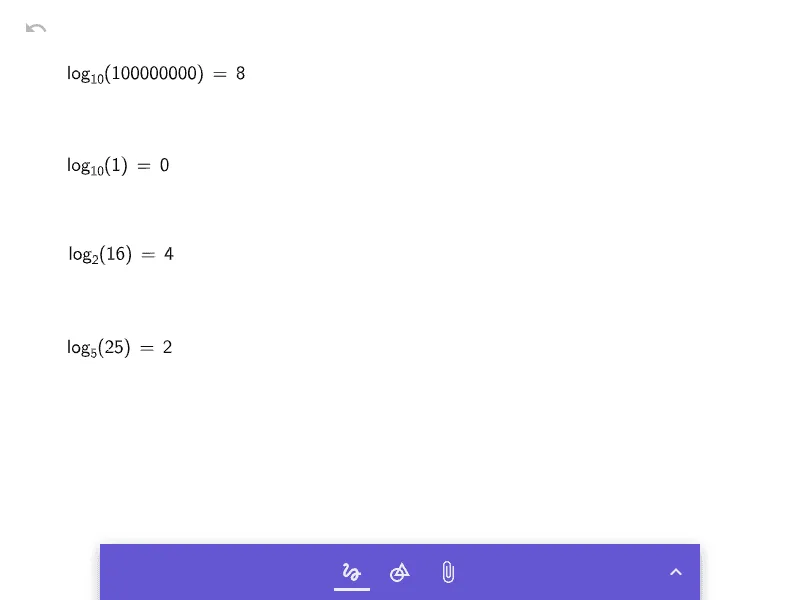
This example demonstrates how to interpret and write logarithmic equations by translating between the exponential and logarithmic viewpoints. It focuses on the relationship between equations and the corresponding logarithmic function behavior, including how domain restrictions affect meaning and solution validity. Key concepts include the definition of the logarithm y = log_b(x), base b conditions (b>0, b≠1), the true-argument requirement x>0, logarithm identities, and rewriting an equivalent logarithmic equation into an exponential form to solve. Construction-wise, since no explicit GeoGebra command summary was provided, the typical approach is to plot the logarithmic function curve and the target right-hand expression as functions, then use their intersections (or substitution conditions) as a graphical guide for candidate solutions, followed by filtering using the domain constraints x>0. Suitable for middle-to-high school algebra lessons on logarithmic functions, equation reformulation, and reading solutions from graphs, as well as exam preparation.
AI Drawing Prompt Reference
In one coordinate plane, plot two function curves to interpret a logarithmic equation. First draw the logarithmic function y = log_b(x) with base b such that b > 0 and b ≠ 1, showing it only for the real-valid domain x > 0 to reflect the argument restriction. Then graph the function y = f(x) that represents the right-hand side (after rewriting the equation equivalently in logarithmic form). Focus on where the two curves intersect within x > 0; use the corresponding x-coordinates as candidate solutions, and apply the condition x > 0 to confirm which solutions are valid.
The prompt above was compiled from the original drawing commands and is for reference only.