
Interior Angle Measures in Polygons
Loading the math board and drawing, please wait…
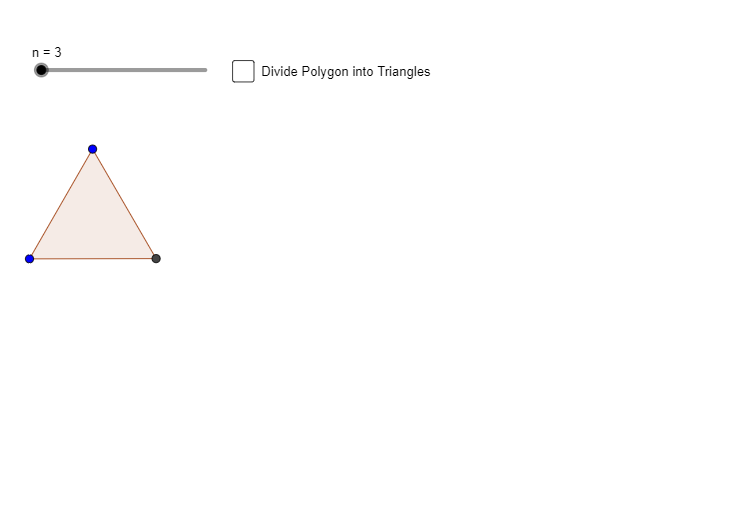
This example demonstrates the calculation and visualization of interior angles in polygons as the number of sides changes. It involves core math concepts like polygon angle sum formulas, linear equations, and trigonometric function applications. Constructed using GeoGebra commands Polygon and Segment, with a slider to control the number of sides, showing dynamic angle changes. Suitable for middle school and above mathematics education, combining geometric construction with function graphing.
GeoGebra Commands & Parameters
Polygon(A, B, n) → poly1, f, q, s, t, C, D, E, F, G, H, I, g, J, K, L, h, i, j, k, l, m, pSegment(A, K) → aSegment(A, J) → bSegment(A, I) → cSegment(A, H) → dSegment(A, G) → eSegment(A, F) → f_1Segment(A, E) → g_1Segment(A, D) → h_1Segment(A, C) → i_1
AI Drawing Prompt Reference
Draw a polygon with a slider to change the number of sides, showing how the interior angles change. From one vertex of the polygon, draw line segments to connect it to other vertices, forming several triangles. Measure and display the interior angles of these triangles, verifying the polygon angle sum formula, and plot the relationship between angle values and the number of sides as a function graph.
The prompt above was compiled from the original drawing commands and is for reference only.