
Interactive Volume of Rectangular Prisms
Loading the math board and drawing, please wait…
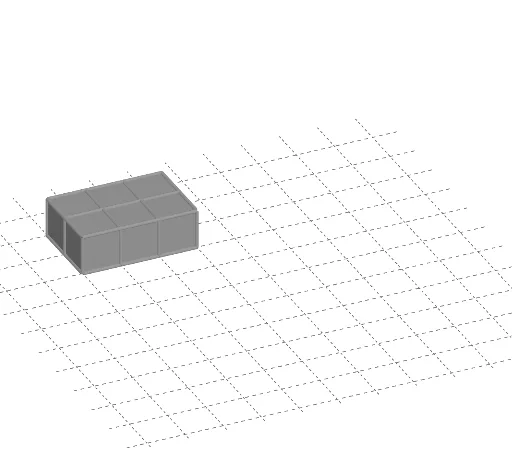
① This GeoGebra example demonstrates the volume of a rectangular prism (cuboid) in a 3D view, allowing users to interactively adjust dimensions and observe the resulting volume. ② The core mathematical concept is the volume formula V = length × width × height, involving solid geometry elements such as faces, edges, vertices, and volume measurement. ③ Construction highlights: uses Point commands to create vertices A, B, C, etc., Cube command to generate the cube, Sequence commands for series objects (L_1, L_2, L_3), and defines face objects (faceABCD, faceADHE, etc.) and edge objects (edgeAD, edgeAB, etc.), with buttons (button1 to button6) and text1 for interactive control and display. ④ Suitable for upper elementary to middle school students learning solid geometry volume concepts, and useful for classroom demonstrations or self-exploration to understand how volume relates to three-dimensional dimensions.
GeoGebra Commands & Parameters
Point(Circle[B, Distance[A, B], Segment[A, B]]) → CCube(A, B, C) → a, D, faceCDHG, faceEFGH, edgeAD, edgeAB, edgeBC, edgeCD, edgeAE, edgeDH, edgeEH, edgeEF, E, edgeBF, edgeFG, edgeCG, edgeGH, F, G, H, faceABCD, faceADHE, faceABFE, faceBCGFSequence(Translate[a, Vector[((1, 0, 0) * i)]], i, 0, red) → L_1Sequence(Translate[L_1, Vector[((0, 1, 0) * j)]], j, 0, green) → L_2Sequence(Translate[L_2, Vector[((0, 0, 1) * k)]], k, 0, blue) → L_3