
Interactive Unit Circle: Explore Trigonometric Values with a Slider
Loading the math board and drawing, please wait…
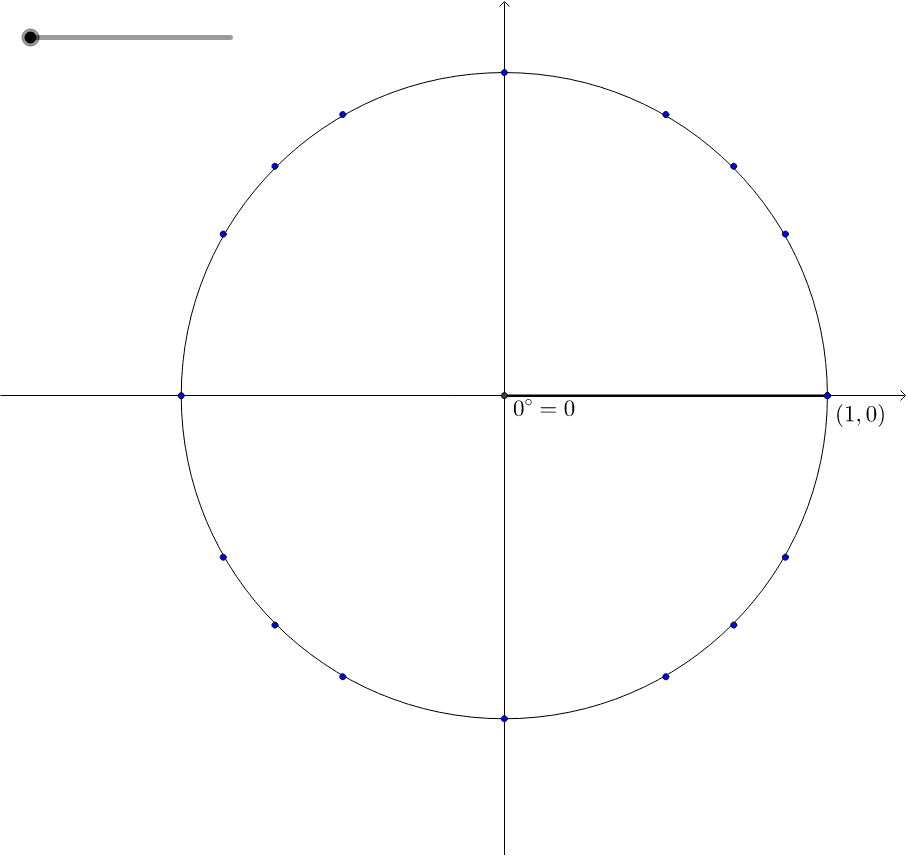
① This example presents an interactive unit circle where a slider moves a point around the circle, revealing the corresponding angle and trigonometric values in real time. ② It focuses on the core mathematical concepts of the unit circle definition, angle measurement in degrees and radians, and the sine and cosine functions as coordinates of points on the circle. ③ The construction uses GeoGebra commands including Circle to draw the unit circle, Rotate and Angle to define the rotation, Intersect and Element to obtain the point on the circle and its coordinates, and Segment to connect relevant parts, with a slider controlling the angle variable. ④ It is suitable for high school or early college students learning trigonometry, providing an interactive way to visualize how sine and cosine vary with angle and reinforcing the geometric meaning of these functions.
GeoGebra Commands & Parameters
Element(angles, n) → degIntersect(xAxis, yAxis) → ACircle(A, 1) → cIntersect(c, xAxis, 2) → BRotate(B, deg°, A) → B'Angle(B, A, B') → αSegment(A, B') → a
AI Drawing Prompt Reference
Draw a unit circle centered at the origin with radius 1. Place a movable point on the circle, controlled by an angle slider, rotating from a starting point on the positive x-axis around the center. Show a segment connecting the point to the center, and mark the arc corresponding to the current angle. Display the x and y coordinates of the point, representing cosine and sine values. Include coordinate axes and clearly show how the point's position and trigonometric values change as the angle varies.
The prompt above was compiled from the original drawing commands and is for reference only.