
Exploring Symmetry by M Braddock
Loading the math board and drawing, please wait…
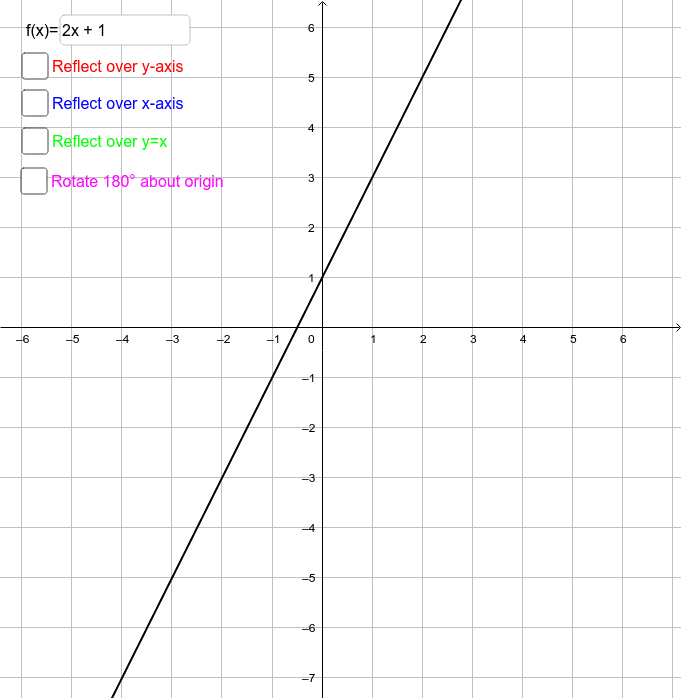
This example demonstrates symmetry by entering functions and reflecting/rotating them. Key mathematical concepts include symmetry of functions. GeoGebra commands used include Mirror, Intersect, and Rotate. Suitable for high school math education and learning.
GeoGebra Commands & Parameters
Mirror(f, a) → f_1Mirror(f, b) → f_2Mirror(f, c) → f_3Intersect(xAxis, yAxis) → ARotate(f, 180*°, A) → f_4Textfield(f) → InputBox1
AI Drawing Prompt Reference
Draw a function f and generate its symmetric images f_1, f_2, f_3 through mirroring. Then draw the intersection point A of the x-axis and y-axis, and rotate f around A to create f_4. Finally, input the expression of function f.
The prompt above was compiled from the original drawing commands and is for reference only.