
Interactive Proof of Sine Law
Loading the math board and drawing, please wait…
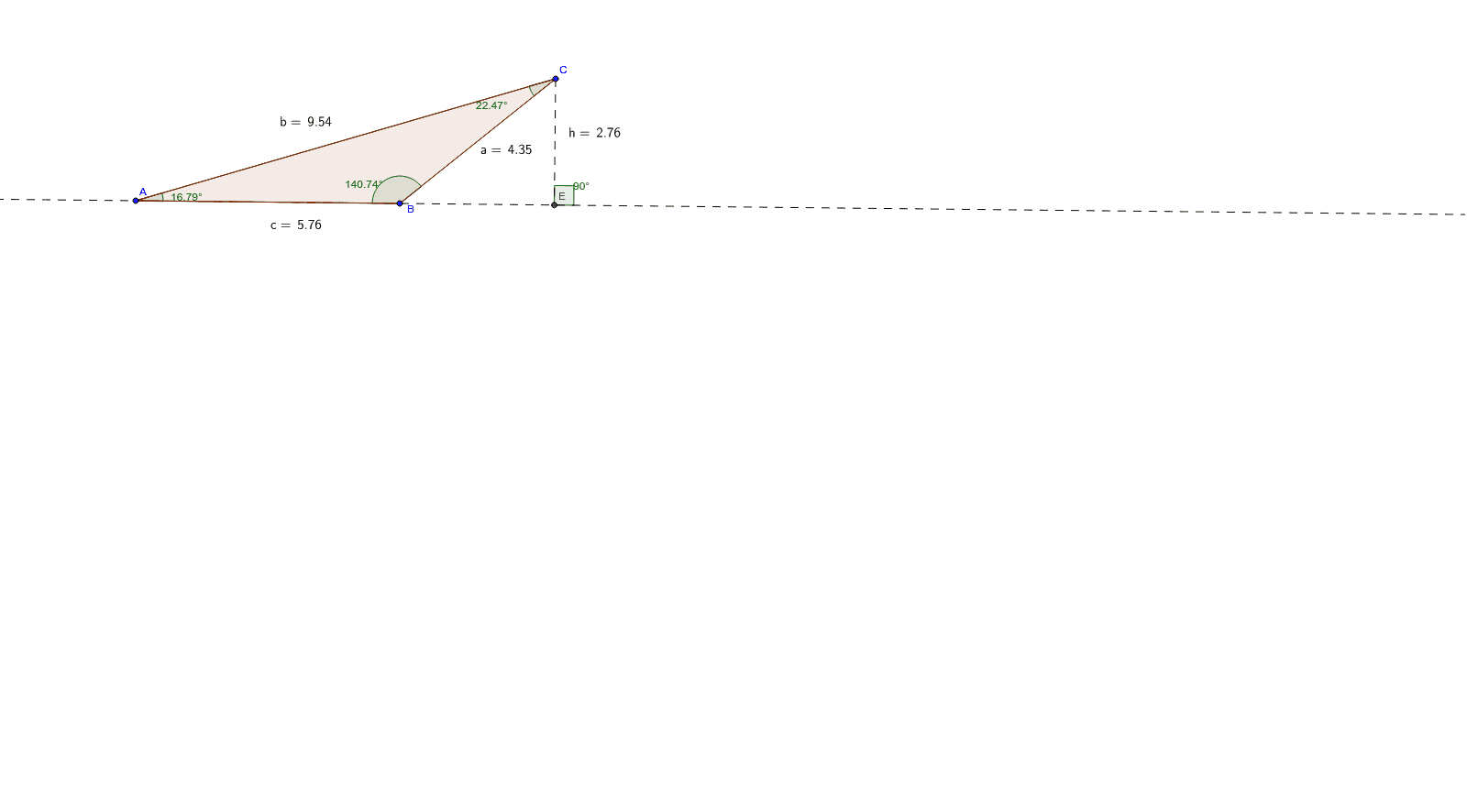
This example demonstrates an interactive proof of the sine law. It involves core trigonometry concepts. Using GeoGebra commands like Segment, OrthogonalLine, Polygon, etc., it illustrates the application of the sine law. Suitable for high school math education and learning.
GeoGebra Commands & Parameters
Segment(A, B) → aSegment(B, C) → bSegment(C, A) → cOrthogonalLine(C, a) → dPolygon(A, B, C) → poly1, c_1, a_1, b_1Angle(poly1) → β, γ, δDistance(A, C) → distanceACDistance(B, C) → distanceBCDistance(A, B) → distanceABLine(A, B) → eOrthogonalLine(C, e) → fPoint(e) → DIntersect(f, e) → ESegment(C, E) → gAngle(D, E, C) → αDistance(E, C) → distanceEC
AI Drawing Prompt Reference
Draw a triangle ABC by connecting points A, B, and C to form sides a, b, and c. Draw a perpendicular line d from point C to side a, and draw triangle ABC, marking the angles β, γ, and δ. Measure the lengths of AC, BC, and AB, and label them as distanceAC, distanceBC, and distanceAB. Draw a line e from A to B, and draw a perpendicular line f from C to e, intersecting at point D. From D, draw a perpendicular line to e, intersecting at point E, and connect CE, marking angle α and the length of CE as distanceEC.
The prompt above was compiled from the original drawing commands and is for reference only.