
Integration and the Trapezium Rule Demonstration
Loading the math board and drawing, please wait…
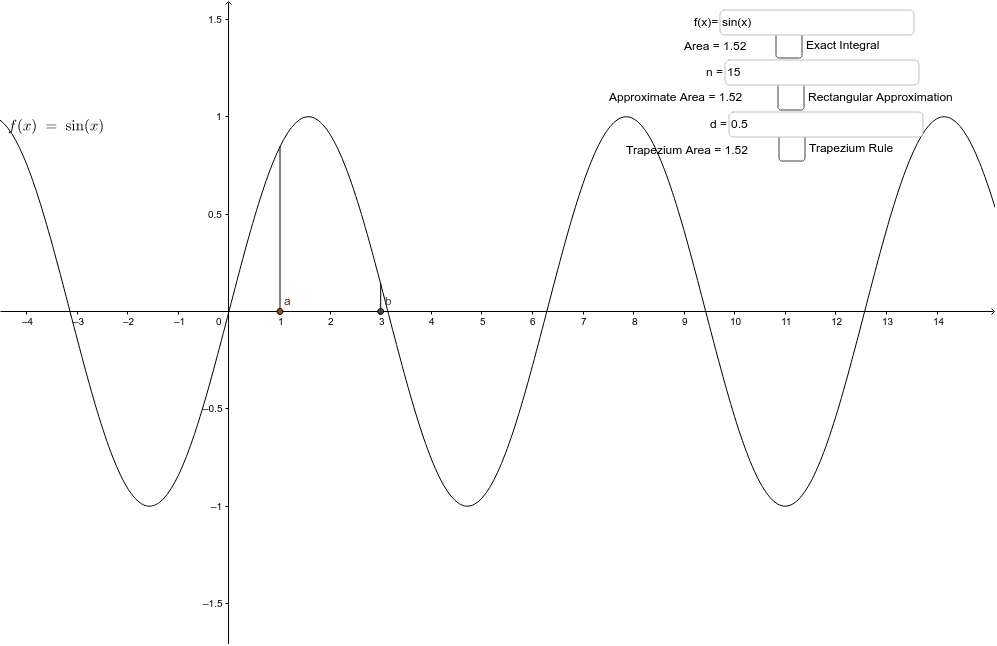
This example demonstrates approximating an integral using rectangles or trapeziums. It involves core math concepts like integration, the trapezium rule, linear functions, and function graphing. Constructed using commands like Integral, Textfield, Sequence, RectangleSum, TrapezoidalSum, Segment in GeoGebra. Suitable for high school mathematics teaching or self-learning to understand numerical integration methods.
GeoGebra Commands & Parameters
Integral(f, a, b) → AreaTextfield(f) → inputBox1Sequence(a + (k * (b - a) / n), k, 1, n) → list1RectangleSum(f, a, b, n, d) → cTextfield(d) → inputBox3Textfield(m) → inputBox2TrapezoidalSum(f, a, b, n) → eSegment(A, (a, f(a))) → jSegment(B, (b, f(b))) → k
AI Drawing Prompt Reference
Draw the integral approximation of a function f(x) over the interval [a, b] using both rectangular and trapezoidal methods. First, plot the graph of function f(x). Then, divide the interval [a, b] into n subintervals and approximate the integral using rectangles and trapezoids. Finally, draw line segments connecting the endpoints of the interval.
The prompt above was compiled from the original drawing commands and is for reference only.