
Integer Addition on a Number Line by Steve Ouellette
Loading the math board and drawing, please wait…
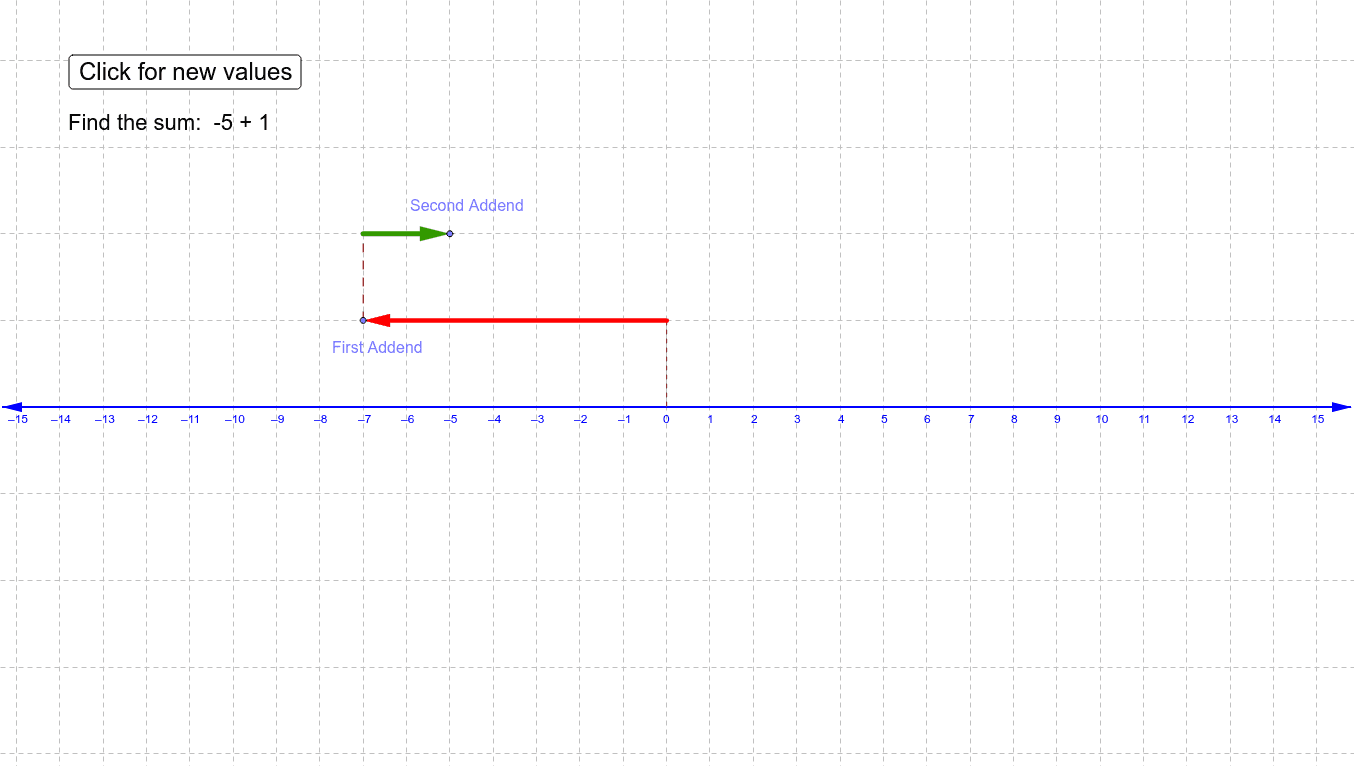
This example demonstrates the addition of two integers on a number line. Users can generate new problems by clicking a button and represent the addition by sliding arrows on the number line. Suitable for upper elementary and middle school students to visually understand integer addition. Commands used include Random, Line, Point, Vector, OrthogonalLine, Intersect, Segment.
GeoGebra Commands & Parameters
Random(-8, 8) → aRandom(-8, 8) → bLine(C, xAxis) → cPoint(c) → AVector(C, A) → uOrthogonalLine(C, xAxis) → dIntersect(d, xAxis) → BSegment(C, B) → eOrthogonalLine(A, xAxis) → fLine(D, xAxis) → gIntersect(g, f) → ESegment(A, E) → hPoint(g) → FVector(E, F) → v
AI Drawing Prompt Reference
Draw a number line and randomly select two integers a and b. Slide two arrows from the origin to represent these integers. Then draw a line perpendicular to the number line and find its intersection with the number line at point B. Draw a segment from point A (representing integer a) to point E. Finally, slide an arrow from point E to the right to represent integer b.
The prompt above was compiled from the original drawing commands and is for reference only.