
Integer Addition Demonstration by vetriselvi
Loading the math board and drawing, please wait…
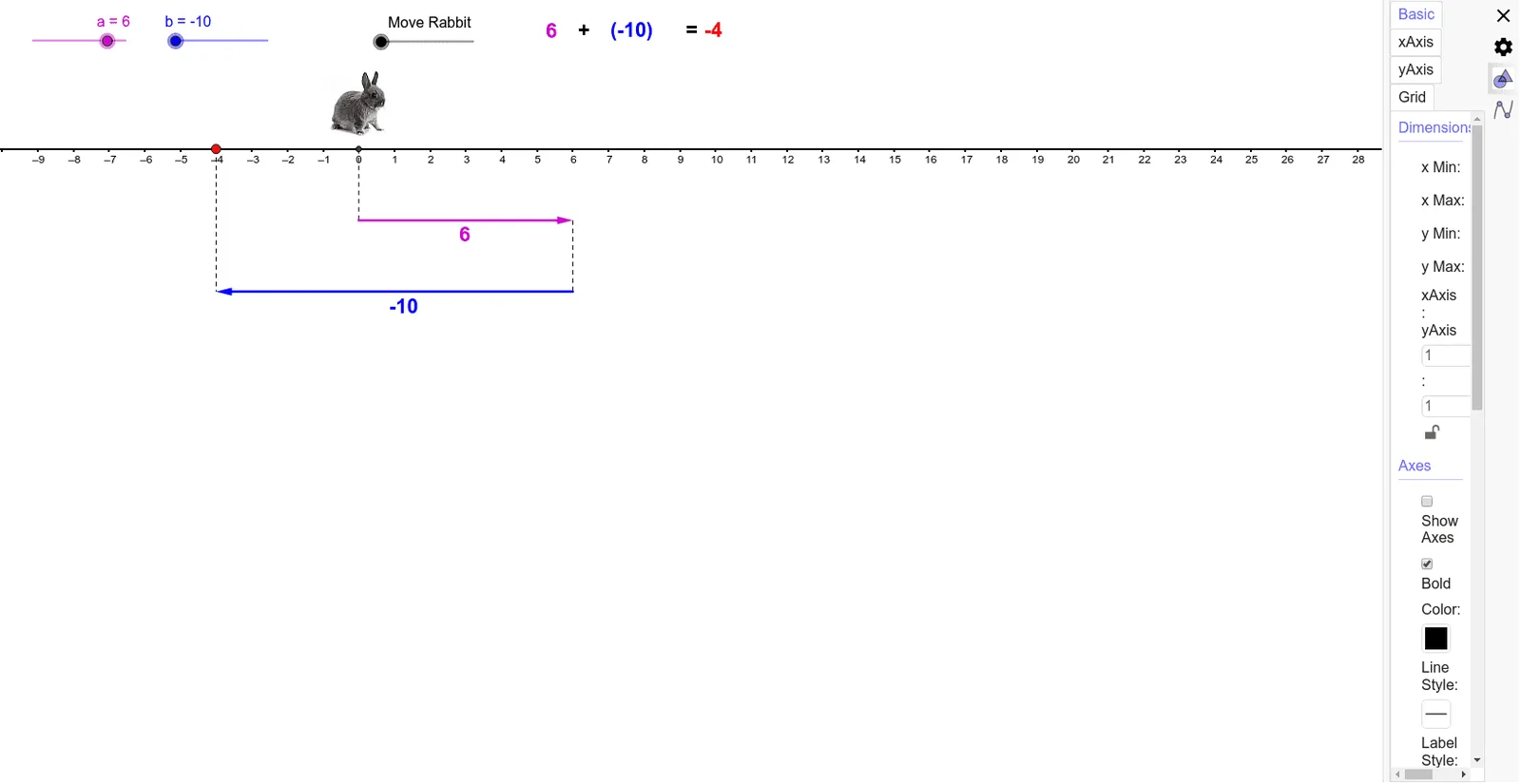
This example visually demonstrates the geometric interpretation of adding integers using dynamic geometry, focusing on vector addition and number line representation. Key math concepts include integers, vectors, number lines, geometric representation, and vector addition. GeoGebra commands and objects like Vector, Segment, and If are used to construct vectors a, b, and their sum, providing a clear visual understanding suitable for middle school and higher education.
GeoGebra Commands & Parameters
Vector((0, -2), (a, -2)) → uVector((a, -4.000000000000001), (a + b, -4.000000000000001)) → vSegment(A, (a + b, -4.000000000000001)) → cSegment((a, -2), (a, -4.000000000000001)) → dSegment((0, 0), (0, -2)) → eIf(f < 1, ((f * a), 0), (a, 0) + ((f - 1) * (b, 0))) → D
AI Drawing Prompt Reference
Draw a horizontal number line. Above it, show two horizontal arrows representing vectors: the first starts at the origin and extends right by length a; the second starts at the first arrow's tip and extends right by length b. Below the line, connect the origin to the first tip with a segment, then connect the first tip to the second tip with another segment, forming a step. Add two vertical dashed segments linking the upper tips to the lower corresponding points. Finally, place a dynamic point on the number line indicating the sum a+b, which moves as a parameter changes.
The prompt above was compiled from the original drawing commands and is for reference only.