
Inscribing a Rectangle with Given Perimeter into a Triangle
Loading the math board and drawing, please wait…
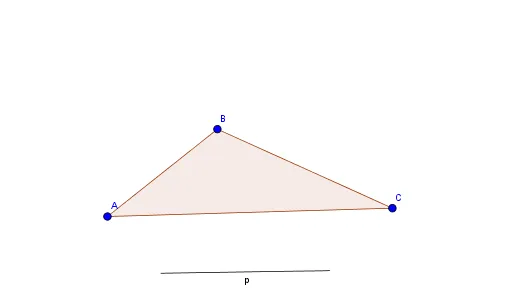
This example demonstrates how to inscribe a rectangle with a given perimeter into a triangle. Key mathematical concepts include similar triangles, properties of rectangles, and the concept of perimeter. Using GeoGebra commands such as Polygon, Segment, and Point, the construction of a rectangle that meets the given conditions is illustrated. Suitable for students at the middle school level and above, focusing on geometric construction and related concepts.
GeoGebra Commands & Parameters
Polygon(A, B, C) → poly1, c, a, bSegment(D, E) → pPoint(c) → FOrthogonalLine(F, b) → fOrthogonalLine(F, f) → gIntersect(g, a) → GOrthogonalLine(G, b) → hIntersect(h, b) → HIntersect(f, b) → IPolygon(F, G, H, I) → poly2, f_1, g_1, h_1, iCircle(F, G) → eIntersect(e, f, 1) → MOrthogonalLine(A, b) → qCircle(A, p) → sCircle(A, 5.59521511528178) → c_1Point(q) → NLine(N, b) → i_1Circle(A, 5.521447290161477) → tCircle(A, p) → rCircle(A, p) → dOrthogonalLine(A, b) → jIntersect(d, j, 1) → JOrthogonalLine(J, j) → kAngularBisector(f_1, h) → l, mIntersect(f, l) → KSegment(K, B) → nIntersect(k, n) → L
AI Drawing Prompt Reference
Draw a rectangle inscribed in a triangle with a given perimeter. First, draw triangle ABC. Then, take a point F on side BC and draw a perpendicular line f from F to side AB and a perpendicular line g from F to side AC, intersecting side AC at G and side AB at H. Next, draw a perpendicular line from F to side AC, intersecting side AB at I, forming rectangle FGHI. Finally, draw a perpendicular line from A to side BC, and draw circles with center A and radii 5.59521511528178 and the given perimeter to determine the rectangle's vertices.
The prompt above was compiled from the original drawing commands and is for reference only.