
Inscribed Square by Kirk Culler
Loading the math board and drawing, please wait…
In collections
Geometry Constructions Assessment
This example demonstrates how to inscribe a square in a given circle. Key mathematical concepts include the properties of circles and the geometric construction of squares. Using GeoGebra commands Circle and Line Segment, the relationship between the square and the circle can be dynamically illustrated. Suitable for middle and high school students learning geometric construction and circle properties.
GeoGebra Commands & Parameters
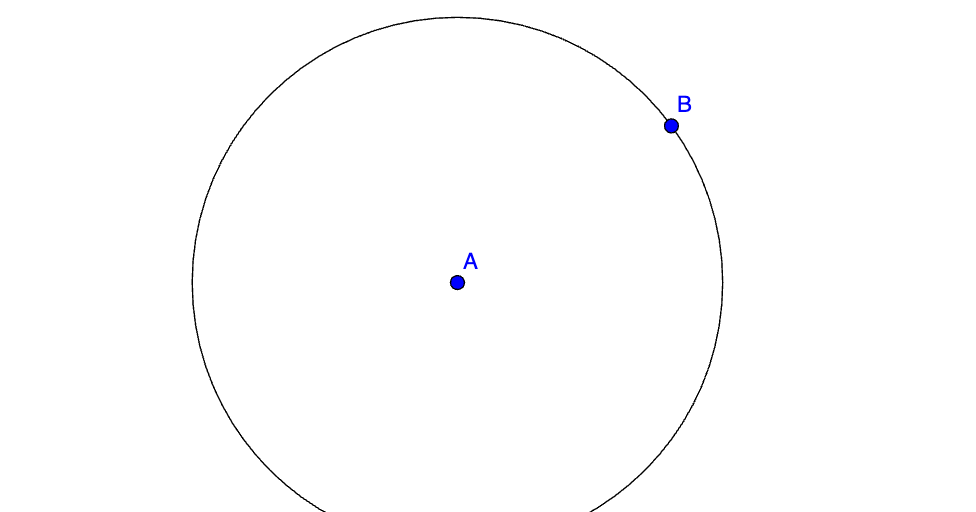
Circle(A, B) → c
AI Drawing Prompt Reference
Draw a circle and then inscribe a square inside it. First, draw a circle. Then, draw two perpendicular diameters. Use the endpoints of these diameters as the vertices to draw a square, making sure that all four vertices of the square lie on the circle.
The prompt above was compiled from the original drawing commands and is for reference only.