
IM Geo 3.1 Lesson: Scale Drawings
Loading the math board and drawing, please wait…
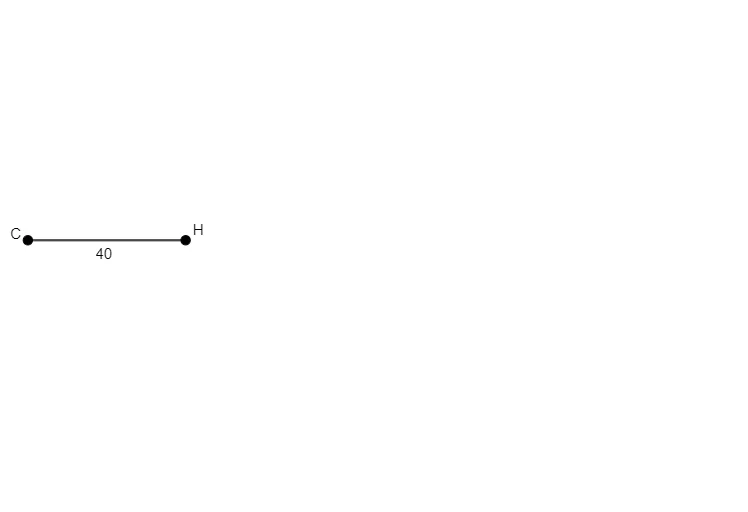
① This example demonstrates the basic construction of scale drawings in GeoGebra using segments and points, showing how geometric objects represent a scaled version of real dimensions. ② The core mathematical concepts are scale factor and similarity, involving proportional scaling of segment lengths and the role of points as key locators in the drawing. ③ Construction highlights: from the summary, the commands Segment and Point are used to create segment f and points A, B, C, along with a text object text1 for labeling; these fundamental tools form the skeleton of a scale drawing. ④ Suitable for middle school geometry lessons on scale drawings, similar figures, or basic geometric construction, and useful for teachers as an interactive demonstration to help students intuitively grasp how scaling factors affect object sizes.
GeoGebra Commands & Parameters
Segment(A, B) → fPoint(f) → C
AI Drawing Prompt Reference
On a plane, first define two points to form a single reference segment that represents the base length of a scale drawing. Then choose one point that lies on or is constructed from that segment to serve as a key locator within the drawing. The result should be a simple scale-drawing skeleton consisting of the reference segment and the positioned point, emphasizing that the segment provides the proportional length structure while the point marks an important location for further labeling or use.
The prompt above was compiled from the original drawing commands and is for reference only.