
IM Geo 1.19 Practice: Evidence, Angles, and Proof
Loading the math board and drawing, please wait…
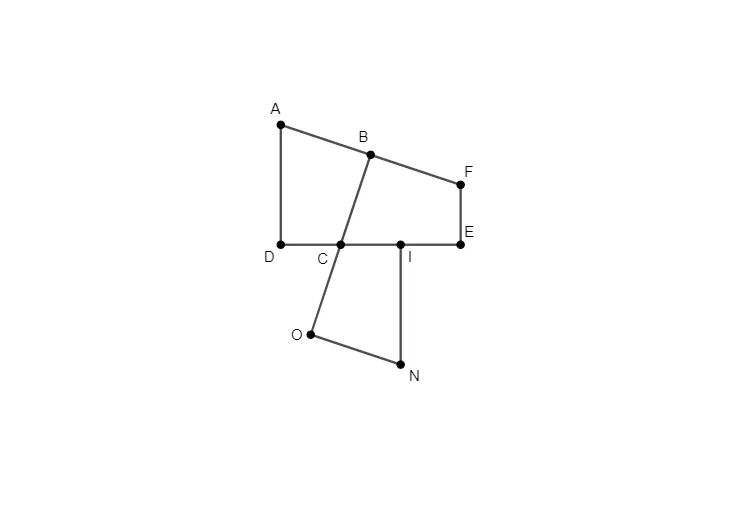
This GeoGebra example is a practice activity from Illustrative Mathematics Geometry Unit 1 Lesson 19, focusing on gathering evidence, analyzing angles, and constructing proofs. It demonstrates how geometric constructions can be used to explore angle relationships and justify conjectures. The core mathematical concepts include angle measurement, triangle angle sum, properties of parallel lines, symmetry, circumcircles, and secant lines. The construction uses GeoGebra commands such as Polygon, Midpoint, Segment, and Mirror, creating multiple points (C, D, E, F, G, H, I, J), a polygon poly1, and various segments (h, c, d, e, f, g, i, j, k, l), along with a mirrored point I'. These elements form an interactive diagram where students can manipulate points, observe angle changes, and test hypotheses. This resource is suitable for upper middle school or lower high school students, ideal for classroom practice, homework, or independent exploration, aiming to strengthen geometric reasoning, visual intuition, and formal proof skills.
GeoGebra Commands & Parameters
Polygon(H, C, D, E, F, G) → poly1, h, c, d, e, f, gMidpoint(g) → ISegment(E, J) → iSegment(I, D) → jMirror(I, D) → I'Segment(J, I') → kSegment(D, I') → l
AI Drawing Prompt Reference
Draw a polygon in the plane by joining six ordered points H, C, D, E, F, and G, showing the polygon sides and their connecting segments. Define point I as the midpoint of the segment indicated by g. Draw the segment from E to J (i) and the segment from I to D (j). Reflect point I across the line determined by I and D to obtain the symmetric point I'. Then draw the segment from J to I' (k) and the segment from D to I' (l), keeping the symmetry relationship visible in the diagram.
The prompt above was compiled from the original drawing commands and is for reference only.