
IM Geo.1.12 Lesson: Defining Translations
Loading the math board and drawing, please wait…
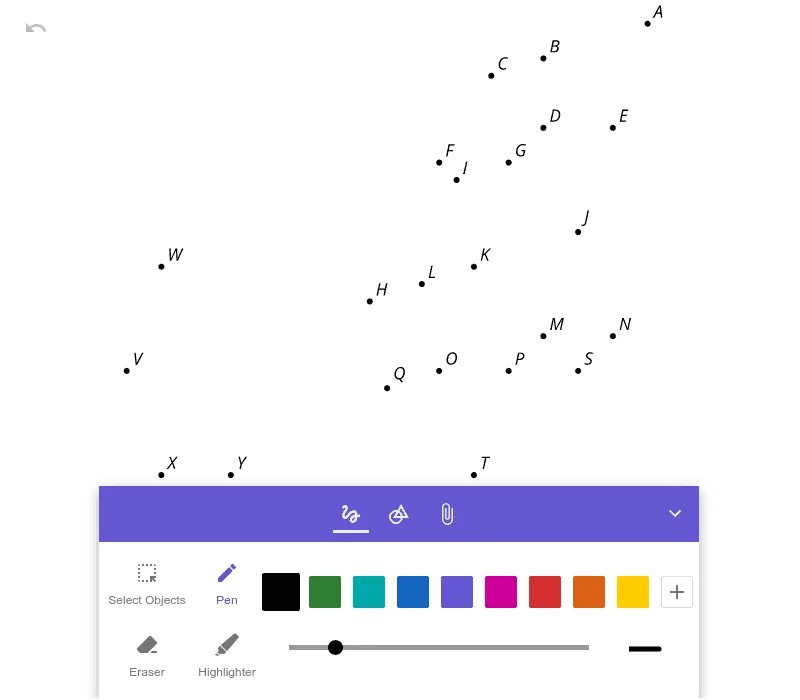
This example demonstrates how to define and manipulate translation transformations in a coordinate system, showing the translation effect by dragging points. Core math concepts include vectors, coordinate transformations, and geometric transformations. It uses the GeoGebra object pic1 to visualize the translation process, making it suitable for middle school and above learners to understand and master the principles and applications of translation transformations.
AI Drawing Prompt Reference
Draw a coordinate system, then define a vector to represent the direction of translation. Next, draw a point and a shape, such as a triangle. Use the defined vector to translate the point and the shape, and observe the translation effect by dragging the point.
The prompt above was compiled from the original drawing commands and is for reference only.