
i Clock: Interactive Clock with Polygon and Trigonometry
Loading the math board and drawing, please wait…
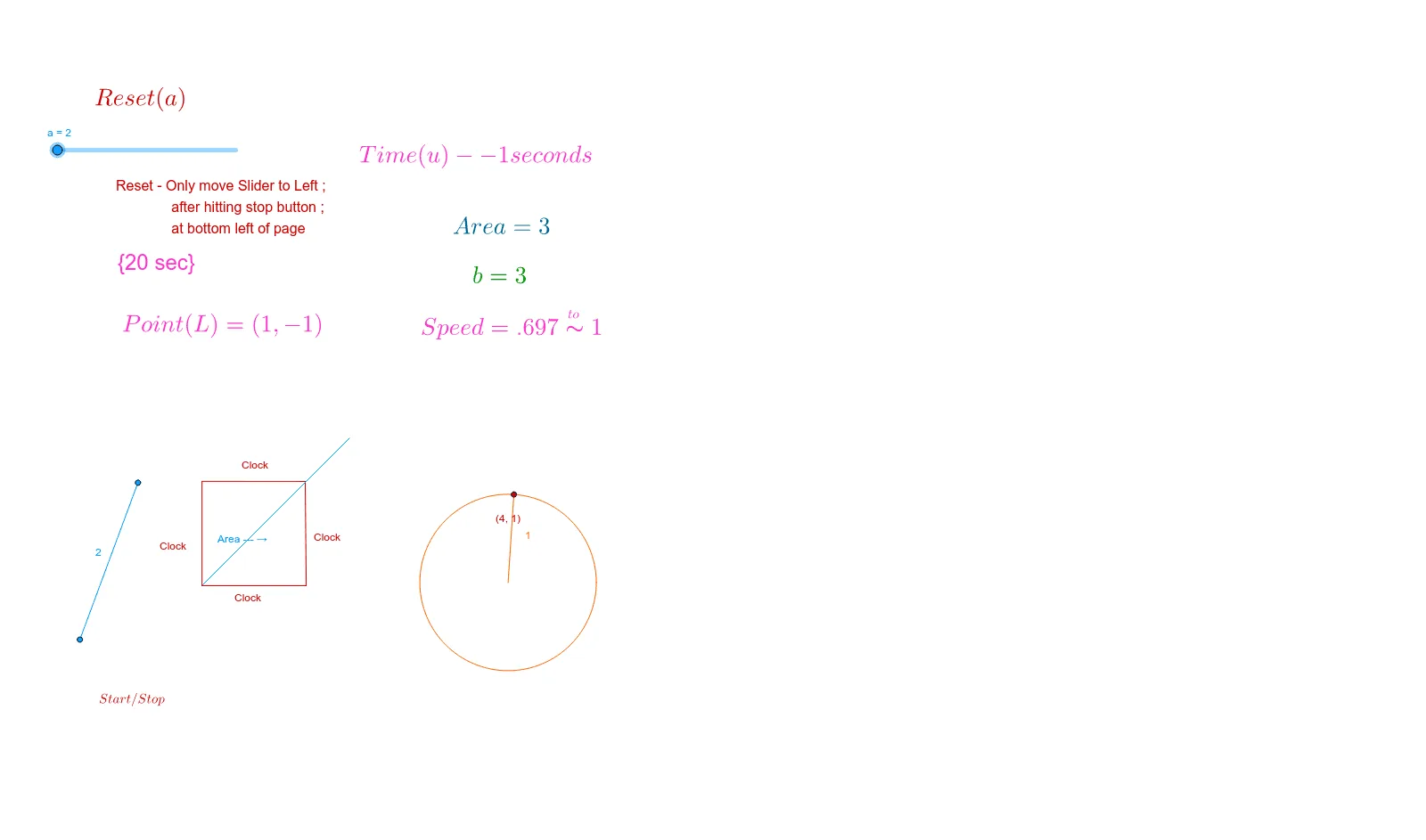
This GeoGebra example demonstrates how to build an interactive clock interface. What it shows: A dynamic clock with Start/Stop button, where rotating hands illustrate time passage. Math concepts involved: Right triangle angle-side relationships, parallelogram properties, circle and circumcircle geometry, and exponential functions for clock scale representation. Construction details: Using Polygon command for clock frame, Circle for dial circumcircle, Slope to calculate hand angles, Area to measure sector regions, PointIn to ensure hands stay on dial, Line and Intersect for hand-scale intersections, Midpoint for hand midpoints. Target audience: Middle and high school math teachers and students exploring trigonometry, coordinate geometry, and parametric equations.
GeoGebra Commands & Parameters
Point(b) → APoint(c) → BSegment(C, A) → dSegment(C, B) → fPoint(c) → DSegment(B, D) → iPoint(Circle[A, 1.4142135623730951]) → FSegment(A, F) → gSegment(A, F) → hPolygon(B, C, D) → poly1, d_1, b_1, c_1Segment(C, D) → d_hPoint(c) → EPoint(c) → GSegment(B, G) → τSegment(F, G) → nSlope(n) → mSlope(d_h) → m_1Circle(C, A) → kArea(k) → ePointIn(k) → PointkLine(H, f) → jIntersect(k, j, 2) → ISegment(C, I) → lLine(I, b) → pIntersect(p, d) → JSegment(C, J) → qSegment(J, I) → sPoint(s) → KSegment(C, K) → tSegment(I, F) → a_1Segment(J, A) → e_1Polygon(C, I, F, G, B) → poly2, c_2, i_1, f_1, g_1, b_2Name(o) → A1Name(u) → B1Name(a) → C1Point(k) → LCircle(M, N) → h_1Point(h_1) → OPoint(h_1) → PMidpoint(O, P) → QSegment(M, O) → j_1Segment(z_1, z_2) → k_1
AI Drawing Prompt Reference
Draw a dynamic clock interface with a circular dial and rotating hands. The clock frame is made of a polygon, and the dial is a circle. The hands extend from the center and interact with the dial. The hands' rotation corresponds to time marks. Construction order: first draw the clock frame and dial, then add the hands, and finally ensure the hands move on the dial.
The prompt above was compiled from the original drawing commands and is for reference only.