
How to Draw an Ellipse
Loading the math board and drawing, please wait…
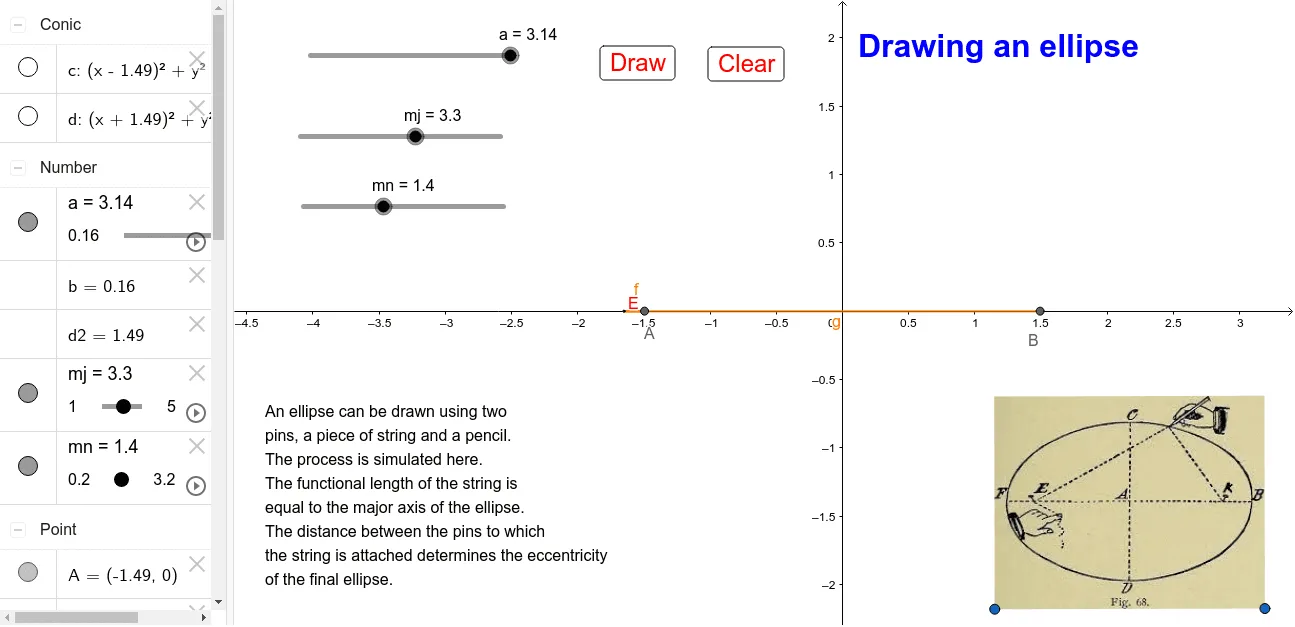
This example demonstrates the geometric construction of an ellipse using GeoGebra. Key math concepts involved include circles, intersections, and coordinate geometry. The construction utilizes commands such as Circle, Intersect, and Segment. Suitable for high school students learning analytical geometry or educators demonstrating geometric constructions.
GeoGebra Commands & Parameters
Circle(B, a) → cCircle(A, b) → dIntersect(c, d) → D, E, ,Segment(A, E) → fSegment(E, B) → g
AI Drawing Prompt Reference
Draw an ellipse by first creating two circles with different centers and radii, then find the intersection points of these circles, and connect these points to the respective centers to form the shape of an ellipse.
The prompt above was compiled from the original drawing commands and is for reference only.