
How Many Outcomes?
Loading the math board and drawing, please wait…
In collections
Statistics and Probability with Mr Downes
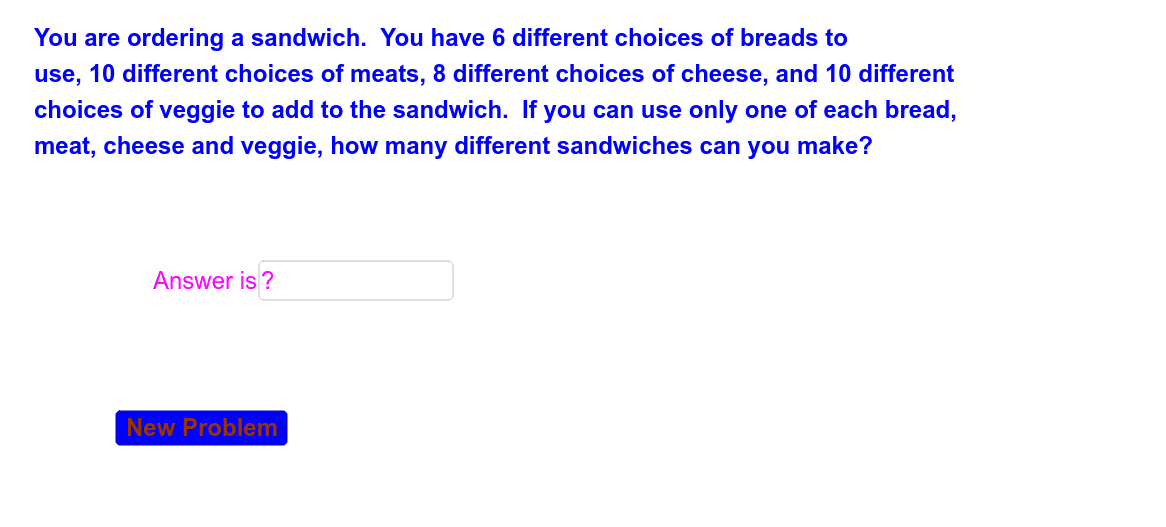
This example demonstrates how to calculate the total number of possible outcomes using GeoGebra, focusing on combinatorial counting and probability statistics. Key math concepts include combinations, randomization. Construction highlights the use of commands like Textfield, RandomElement, Random, and objects such as ansent, a1, inputBox1, button1, eres, ecor, a, b, h, z, ans, c1, n, text1. Suitable for high school mathematics teaching to illustrate counting principles and random number generation.
GeoGebra Commands & Parameters
Textfield(ansent) → inputBox1RandomElement({"Not Quite", "Try Again"}) → eresRandomElement({"Good Job", "Great!", "Way to Go!", "Awesome"}) → ecorRandom(2, 10) → aRandom(2, 10) → bRandom(2, 10) → hRandom(2, 10) → z
AI Drawing Prompt Reference
Create a probability statistics teaching demonstration with two text fields showing encouragement and hints, one randomly displaying 'Not Quite' or 'Try Again', and another showing random praise like 'Good Job'. Use three sliders to generate random numbers between 2 and 10, displaying combinations and probabilities, with interactive counting and probability visualization through random element and random number commands.
The prompt above was compiled from the original drawing commands and is for reference only.