
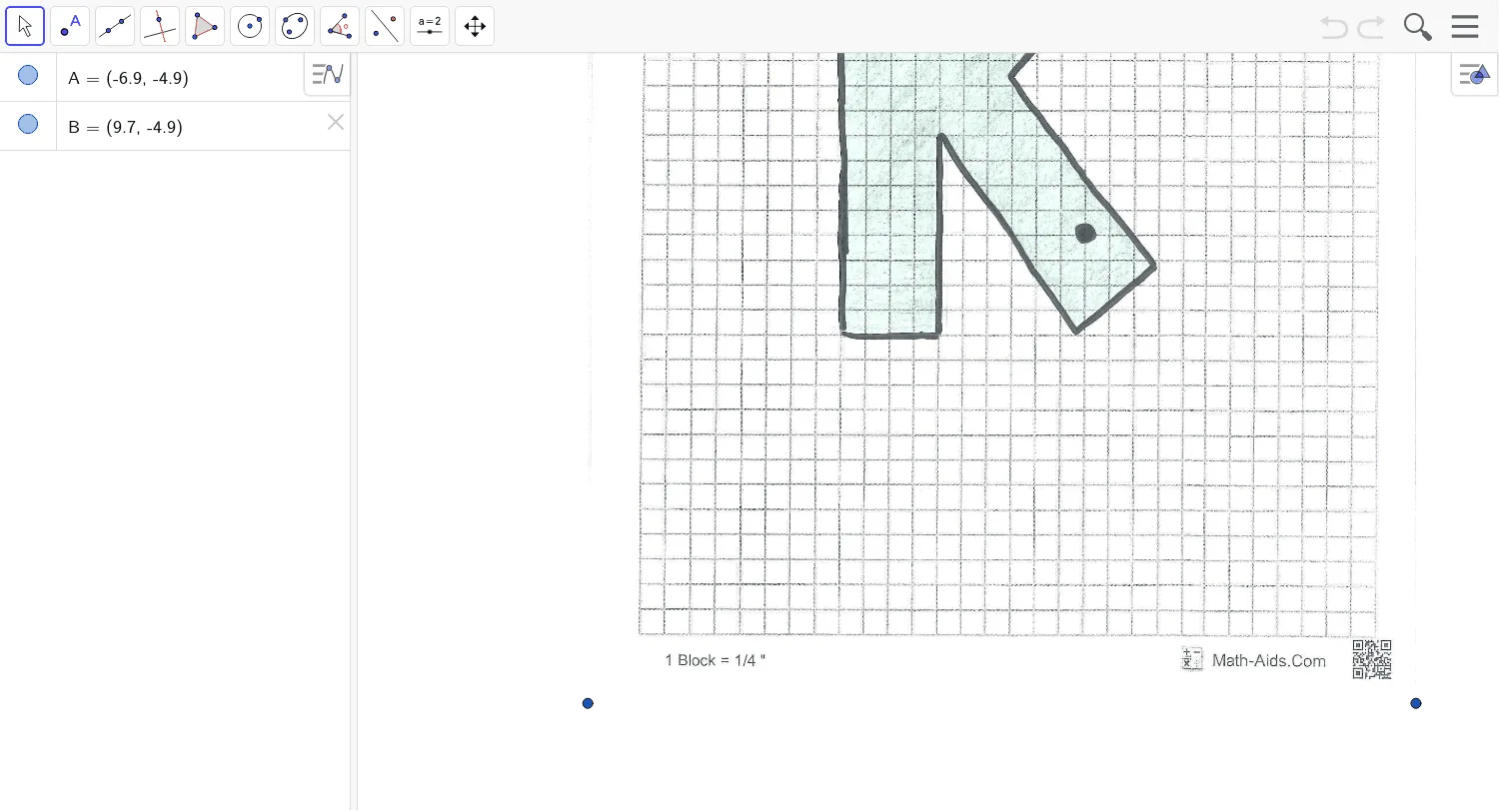
Hole 11
Loading the math board and drawing, please wait…
This example demonstrates how to use GeoGebra to draw geometric shapes. It involves core concepts of trigonometry and geometric construction. By constructing circles and triangles, users can understand the properties of these basic shapes. The example uses objects A and B, and image pic1. Suitable for high school mathematics education and learning.
GeoGebra Commands & Parameters
Point A(-6.896, -4.894000000000002)Point B(9.6784, -4.894000000000002)