
Hexagon - Rotational Symmetry
Loading the math board and drawing, please wait…
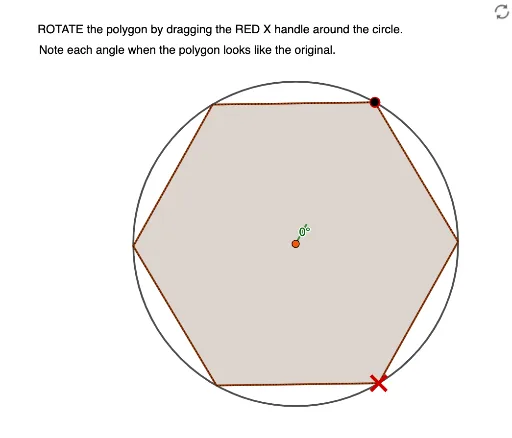
This example demonstrates the rotational symmetry of a hexagon. Key mathematical concepts include rotation symmetry and polygons. Using GeoGebra commands such as Line, Circle, Point, Segment, Rotate, and Polygon, a hexagon with rotational symmetry can be constructed. Suitable for middle school and above students learning geometric transformations.
GeoGebra Commands & Parameters
Line(A, B) → fCircle(A, B) → cPoint(c) → CSegment(A, C) → gRotate(C, 60°, A) → C'Angle(C, A, C') → αPolygon(C, C', 6) → poly1, h, G, i, j, k, l, m, D, E, FRotate(B, 60°, A) → B'Angle(B, A, B') → βPolygon(B, B', 6) → poly2, n, K, p, q, r, s, t, H, I, JAngle(D, A, B') → γ
AI Drawing Prompt Reference
Draw a hexagon with 60-degree rotational symmetry. Start by drawing a line segment AB, then draw a circle with A as the center and AB as the radius. Choose a point C on the circle and draw a line segment AC. Rotate point C 60 degrees clockwise around A to get C', and draw a line segment C'C to form the first hexagon. Next, rotate point B 60 degrees clockwise around A to get B', and draw a line segment AB' to form the second hexagon.
The prompt above was compiled from the original drawing commands and is for reference only.