
Hexagon Construction Practice with Feedback
Loading the math board and drawing, please wait…
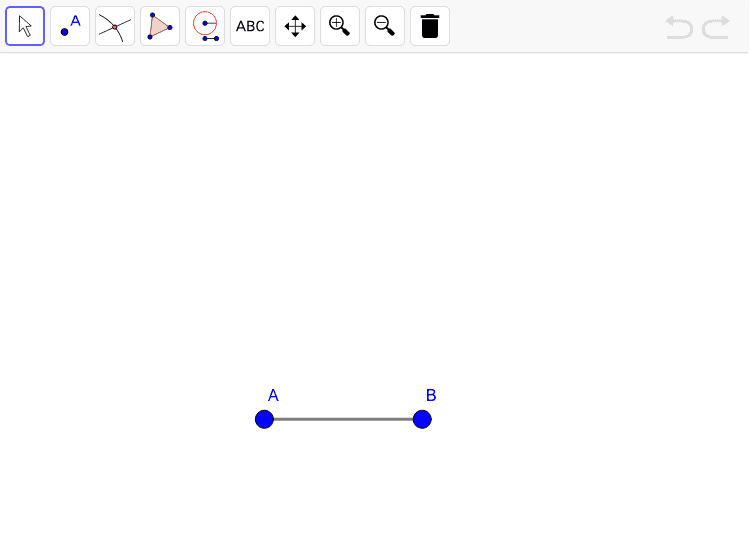
This example demonstrates how to construct a hexagon using GeoGebra, involving core math concepts like geometry, straight lines, circles, and polygons. Key GeoGebra commands and objects used in the construction include Line, Segment, Circle, Intersect, and Polygon. It is suitable for high school students practicing geometric constructions and for teacher demonstrations.
GeoGebra Commands & Parameters
Line(sdfdsf, afdfgfs) → aLine(sfdgsdfg, dfgsdfg) → bSegment(A, B) → cCircle(A, B) → circle1Circle(B, A) → circle2Intersect(circle1, circle2, 1) → C_1Circle(C_1, Segment[A, B]) → circle3Intersect(circle1, circle3, 1) → D_2Intersect(circle2, circle3, 2) → E_3Circle(D_2, Segment[A, B]) → circle4Circle(E_3, Segment[A, B]) → circle5Intersect(circle3, circle4, 2) → F_2Intersect(circle3, circle5, 1) → G_1Polygon(F_2, G_1, E_3, B, A, D_2) → zAnswer, f_2, g_2, e_2, b_2, a_2, d_2