
H-Trapezoid Construction
Loading the math board and drawing, please wait…
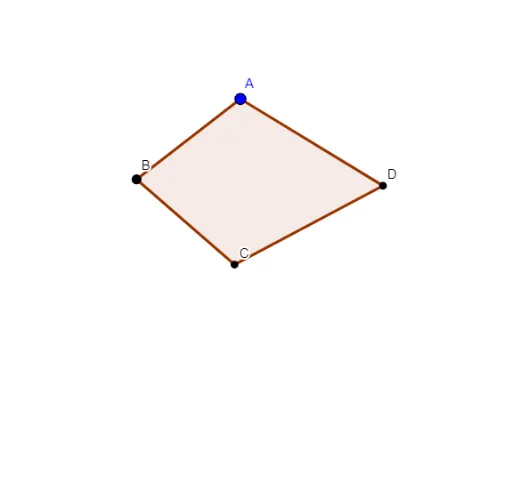
This example demonstrates the geometric construction and properties of an H-Trapezoid. It involves core mathematical concepts such as trapezoids, straight lines, expected value, isosceles triangles, hyperbolas, and optimization problems. The construction uses GeoGebra commands like Line, Polygon, Circle, Intersect, OrthogonalLine, and Ray. It is suitable for high school and above students to understand the integration of geometric constructions and optimization problems.
GeoGebra Commands & Parameters
Line(B, C) → aPolygon(B, C, D, A) → poly1, b, c, c_1, a_1Line(B, c) → dLine(D, b) → eCircle(B, C) → fCircle(D, C) → gCircle(C, D) → hCircle(C, B) → kCircle(B, Distance[C, D]) → qIntersect(d, e) → GCircle(D, G) → pIntersect(q, e) → E, FIntersect(p, d) → H, IIntersect(g, d) → J, KIntersect(g, e) → L, MOrthogonalLine(D, d) → iIntersect(i, d) → NOrthogonalLine(B, e) → jIntersect(j, e) → ORay(B, F) → lRay(D, F) → mIntersect(f, g) → T, U, ,Circle(N, 0.3) → g_1Circle(O, 0.3) → h_1Circle(I, 0.3) → tCircle(E, 0.3) → sCircle(G, 0.3) → rCircle(U, 0.3) → d_1
AI Drawing Prompt Reference
Draw a trapezoid and construct an H shape on it. Start by drawing the two parallel sides and the two non-parallel sides of the trapezoid. Then, draw two circles with diameters equal to the parallel sides and one circle with a diameter equal to the diagonal of the trapezoid. Find the intersection points of the parallel sides and the diagonal, and use these points to construct additional circles. Finally, draw two rays from the vertices of the trapezoid and add small circles at key intersection points.
The prompt above was compiled from the original drawing commands and is for reference only.