
Graphing to the ISS
Loading the math board and drawing, please wait…
In collections
Describing Flight Paths
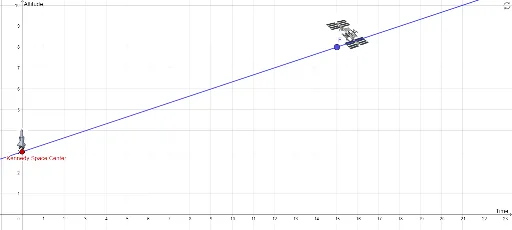
This example demonstrates how to use GeoGebra to graph functions and construct geometric shapes using basic objects like points and lines. Key mathematical concepts include function graphs, coordinate geometry, and geometric construction. By using commands like Point and Line, users can create complex shapes. Suitable for high school math education and learning.
GeoGebra Commands & Parameters
Point(yAxis) → CLine(C, F) → f
AI Drawing Prompt Reference
Draw a vertical line to the y-axis, then take a point on this line and draw a line through this point and another given point.
The prompt above was compiled from the original drawing commands and is for reference only.