
Graphing Complex Numbers by Celeste Glenn
Loading the math board and drawing, please wait…
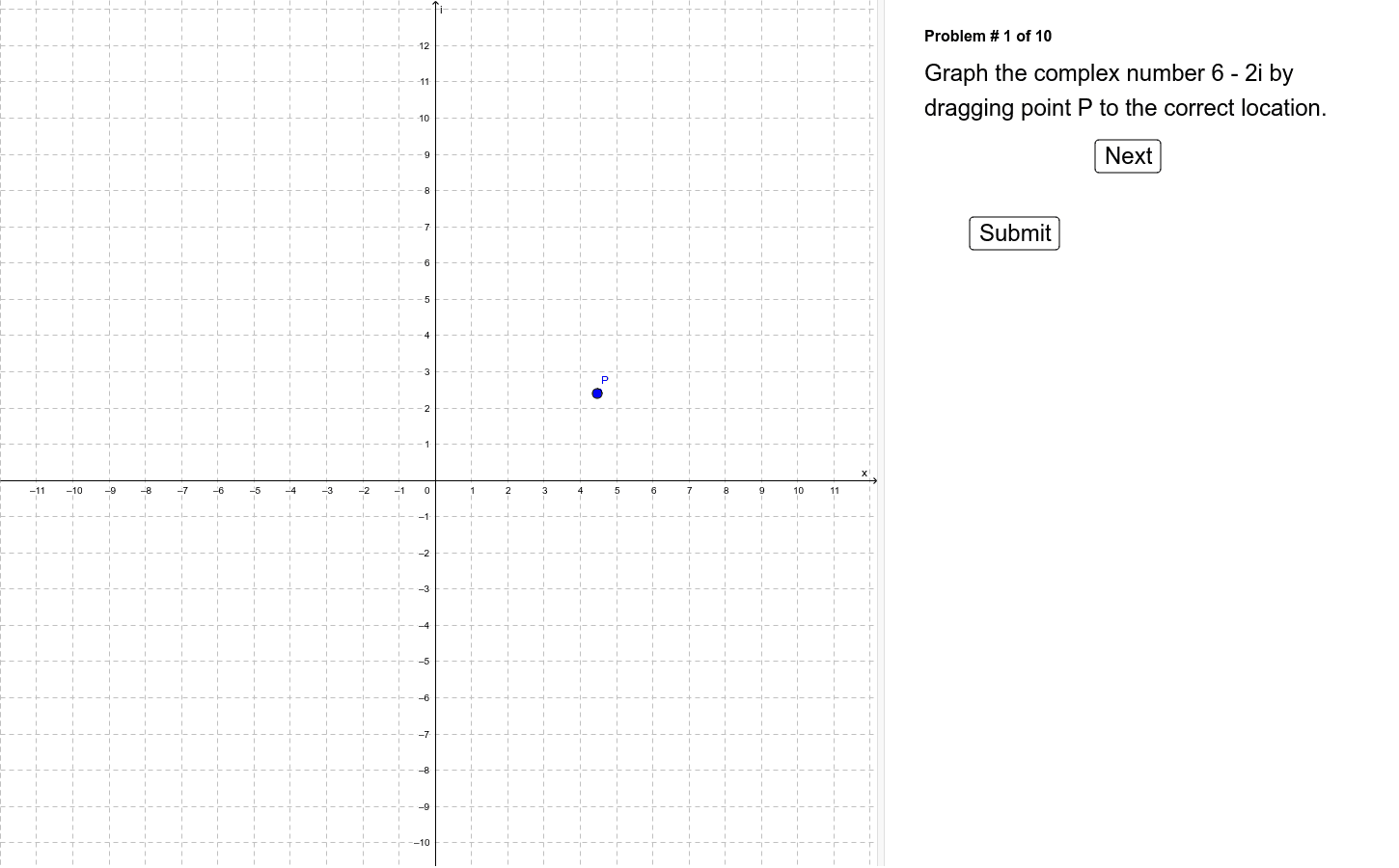
This example allows students to drag a point in the complex plane to graph imaginary numbers. It covers the basic concepts of complex numbers and demonstrates how to represent and manipulate them on the complex plane. It uses points, text, and buttons in GeoGebra for construction. Suitable for middle school and above students to learn about complex numbers.
GeoGebra Commands & Parameters
Point P(4.4674, 2.40008)Point A(6.0, -2.0)Point B(1.0, 1.0)Point C(-3.0, -9.0)Point D(7.0, 4.0)Point E(-5.0, 1.0)Point F(4.0, -3.0)Point G(7.0, 0.0)Point H(0.0, 2.0)Point I(-1.0, 0.0)Point J(0.0, -5.0)Numeric n(1.0)Boolean a(false)
AI Drawing Prompt Reference
Draw a complex plane and drag point P to represent a complex number. Place points A to J on the plane to represent different complex numbers. Use points A to J to demonstrate complex number addition and subtraction, and observe the representation and manipulation of complex numbers by moving point P.
The prompt above was compiled from the original drawing commands and is for reference only.