
Given a Line Segment, Draw Another (Geometric Construction)
Loading the math board and drawing, please wait…
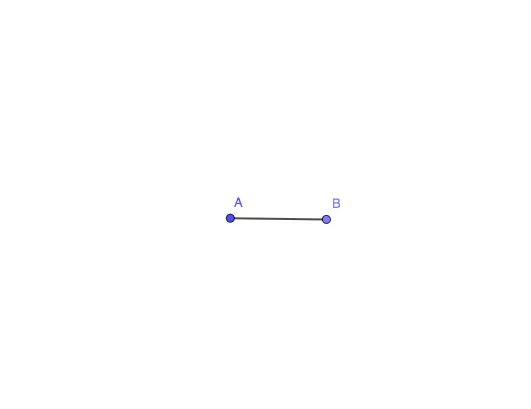
① This example demonstrates how to construct another line segment based on a given segment using circles, points, and segments in GeoGebra, a classic compass-and-straightedge construction. ② Core mathematical concepts include line segments, circles, points, and relationships of equality or proportion between segments, involving fundamental axioms of geometric construction and logical reasoning. ③ Construction highlights: from the summary, the Circle command creates auxiliary circles, Point command determines intersections or endpoints, and Segment command connects key points to form the target segment; objects include A, c, B, and f, where c is a circle and f is the resulting segment. ④ Suitable for middle school geometry teaching or introductory geometric construction, helping students understand the steps of compass-and-straightedge construction and the use of GeoGebra tools, also useful for teacher demonstrations or student self-exploration.
GeoGebra Commands & Parameters
Circle(A, 5) → cPoint(c) → BSegment(A, B) → f
AI Drawing Prompt Reference
Draw a line segment AB with a length of 5 units, then draw a circle centered at A with a radius of 5 units, and find the intersection point B with the circle, then connect A and B to form line segment f.
The prompt above was compiled from the original drawing commands and is for reference only.