
Geometric Insight into Absolute Value: Visualizing |a| with Construction
Loading the math board and drawing, please wait…
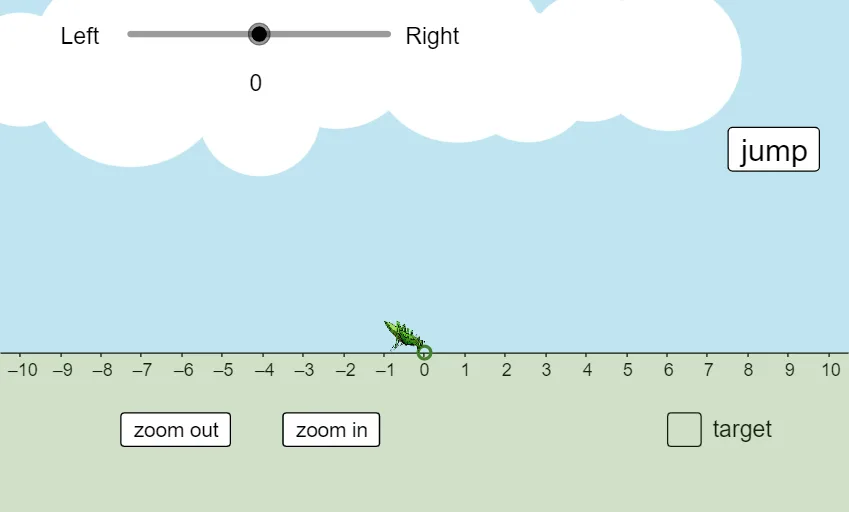
This GeoGebra example demonstrates how the absolute value of a number can be represented geometrically as a distance/position on the plane, making the non-negative and sign-symmetric behavior of |a| visible as parameters change. The key math ideas include the definition of absolute value, the role of sign (positive/negative), integer-based arithmetic operations, and interpreting numeric magnitude through geometric measurements. Construction highlights: it uses If to branch between cases depending on the sign/region; Random to generate different test inputs; Point, Midpoint, and Circle to create reference points, midpoints, and circular relationships; and Rotate to apply transformations that reposition objects consistently with the absolute-value rule. It also uses parameter bounds (xmin/xmax) and annotation objects (e.g., multiple text labels and picture groups such as pic1/pic2/pic3) to present comparisons and dynamic updates (including variables like d and d′, and animated step control such as jump). Suitable for middle/high school teaching, especially for introducing absolute value and supporting interactive exploration that links algebraic meaning to geometric interpretation.
GeoGebra Commands & Parameters
If(d ≠ 0, d, 1) → d'Point(xAxis) → ARandom(-5, 5) → bRandom(-5, 5) → aMidpoint(A, B) → CCircle(C, B) → cRotate(B, (-α), C) → B'Point(c) → DPoint(xAxis) → HCircle(K, 2.5) → gCircle(L, 1.5) → hCircle(M, 2) → kCircle(N, 2.2) → pCircle(O, 2) → qCircle(P, 1.6) → rCircle(Q, 1.4) → sCircle(R, 2) → e_1Circle(S, 1.3) → f_1Circle(T, 1.6) → g_1Circle(U, 1.8) → h_1
AI Drawing Prompt Reference
Create a coordinate plane with a horizontal reference axis, then randomly select two input values to define two points. Construct the midpoint of the segment between these points, and draw a circle centered at the midpoint with the other endpoint as radius. Apply a rotation to reposition one key point around a midpoint-related center to reflect the sign-based geometric case rule. Mark the rotated point and a corresponding point on the reference axis, then add several additional circles with different radii as visual reference for comparisons. Emphasize that the absolute value appears as a nonnegative distance/position, showing symmetry as parameters change, and include space for side-by-side labels to support the comparison.
The prompt above was compiled from the original drawing commands and is for reference only.