
Geometric Commutative Property: Square and Circle Construction
Loading the math board and drawing, please wait…
In collections
geometriadinamica.es
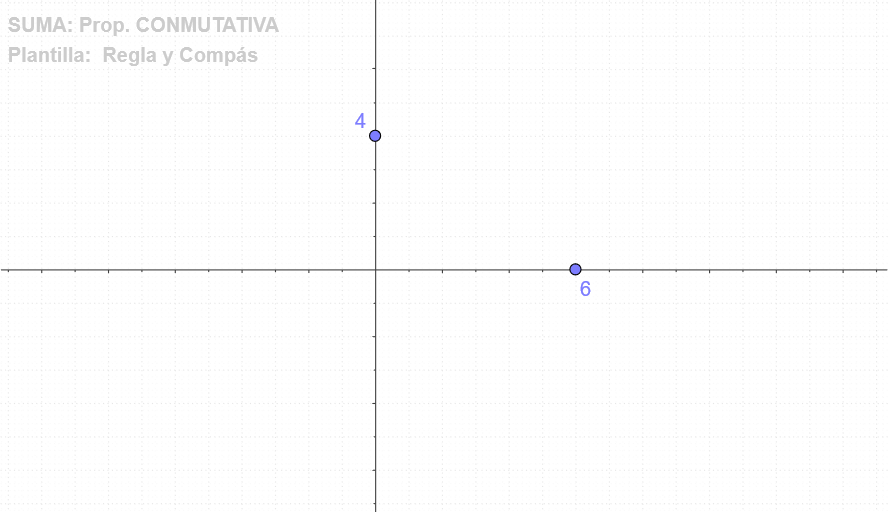
This GeoGebra example demonstrates the commutative property through geometry. Using commands like Point, OrthogonalLine, Intersect, Circle, and CircleSector, it constructs squares and circles to show that geometric relationships remain consistent regardless of operation order. The core concept is the commutative property applied to geometric figures—perimeter, area, and spatial relationships stay unchanged. Key construction steps include creating points A, B, C, D to form a square, then generating auxiliary geometric elements through orthogonal lines and circle intersections. Suitable for middle school mathematics classes to help students understand the universal nature of commutative property, or as practice material for geometric construction skills.
GeoGebra Commands & Parameters
Point(yAxis) → BPoint(xAxis) → AOrthogonalLine(A, xAxis) → cOrthogonalLine(B, yAxis) → dIntersect(c, d) → CCircle(A, C) → eCircleSector(A, D, C) → fOrthogonalLine(F, xAxis) → aOrthogonalLine(E, yAxis) → bIntersect(a, b) → GCircle(F, G) → gCircleSector(F, D, G) → h
AI Drawing Prompt Reference
Draw a square and a circle. Start by creating point A on the x-axis and point B on the y-axis. Then, draw a perpendicular line to the x-axis through A and a perpendicular line to the y-axis through B, with their intersection being point C. Use A and C as the diameter to draw circle e, and then draw a circular sector f with A, C, and D as vertices. Next, draw a perpendicular line to the x-axis through F and a perpendicular line to the y-axis through E, with their intersection being point G. Use F and G as the diameter to draw circle g, and then draw a circular sector h with F, G, and D as vertices.
The prompt above was compiled from the original drawing commands and is for reference only.