
Geogebra Instant Epstein Diagrams
Loading the math board and drawing, please wait…
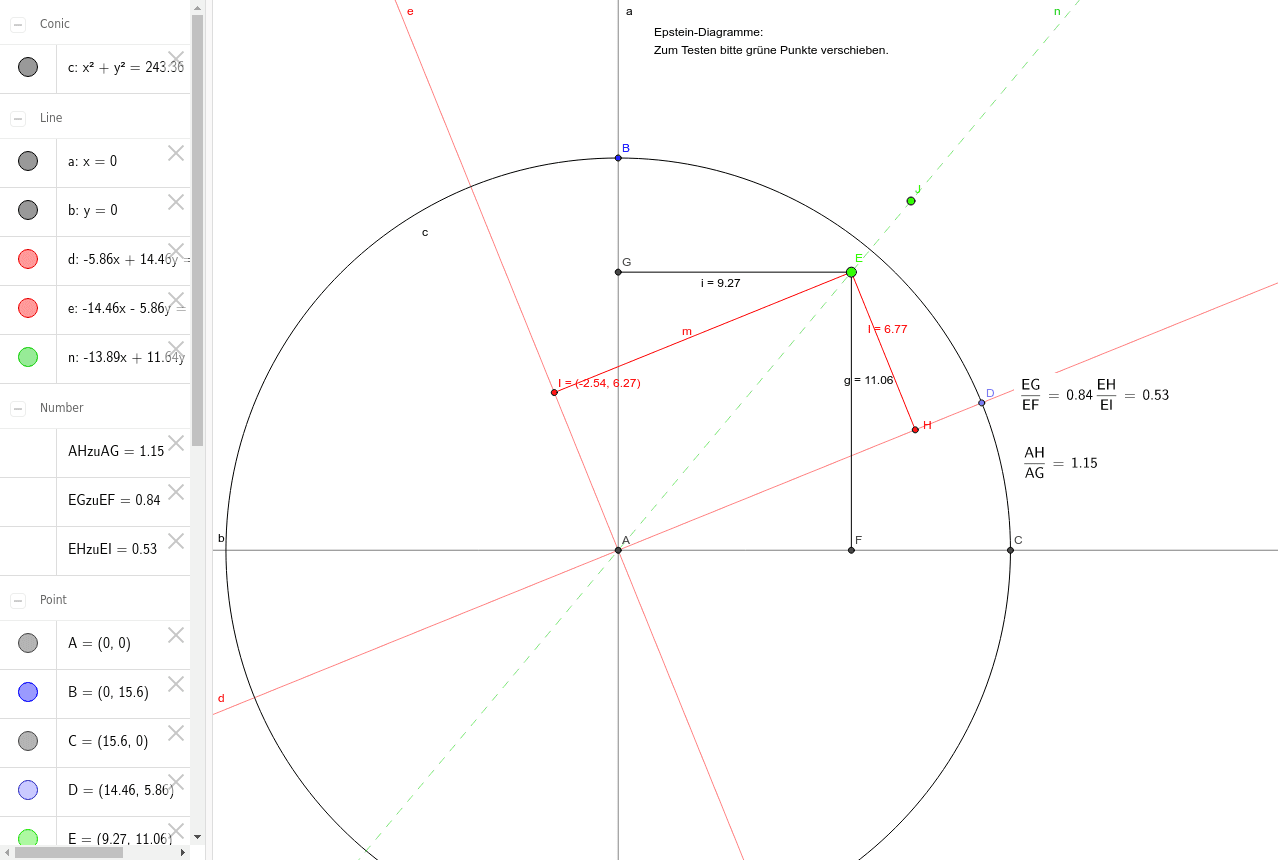
This example demonstrates how to construct Epstein diagrams using GeoGebra, covering function graphs, coordinate geometry, and geometric constructions. Key commands include Intersect, Line, Point, Circle, OrthogonalLine, and Segment. Suitable for high school and above, focusing on visualizing complex functions and geometric techniques.
GeoGebra Commands & Parameters
Intersect(xAxis, yAxis) → ALine(A, J) → nPoint(yAxis) → BCircle(A, B) → cIntersect(c, xAxis, 2) → CLine(A, B) → aOrthogonalLine(A, a) → bPoint(c) → DLine(A, D) → dOrthogonalLine(A, d) → ePoint(n) → ELine(E, a) → fIntersect(b, f) → FSegment(E, F) → gLine(E, b) → hIntersect(a, h) → GSegment(E, G) → iLine(E, e) → jLine(E, d) → kIntersect(d, j) → HIntersect(e, k) → ISegment(E, H) → lSegment(E, I) → m
AI Drawing Prompt Reference
Draw a coordinate system with x and y axes intersecting at a point. From the intersection point, draw a line to the upper right. Take a point on the y-axis and draw a circle centered at the intersection point and this point. The circle intersects the x-axis at two points. Connect the intersection point to the point on the y-axis. Draw a line perpendicular to this line. Take a point on the circle and connect it to the intersection point. Draw a line perpendicular to this line. Take a point where the perpendicular line intersects the circle. Connect this point to the vertical line. Take another point where the horizontal line intersects the perpendicular line. Connect this point to the vertical line. Take another point where the horizontal line intersects the other perpendicular line. Connect this point to the horizontal line.
The prompt above was compiled from the original drawing commands and is for reference only.