
GeoGebra Geometric Construction: Intersection of Triangle and Circle
Loading the math board and drawing, please wait…
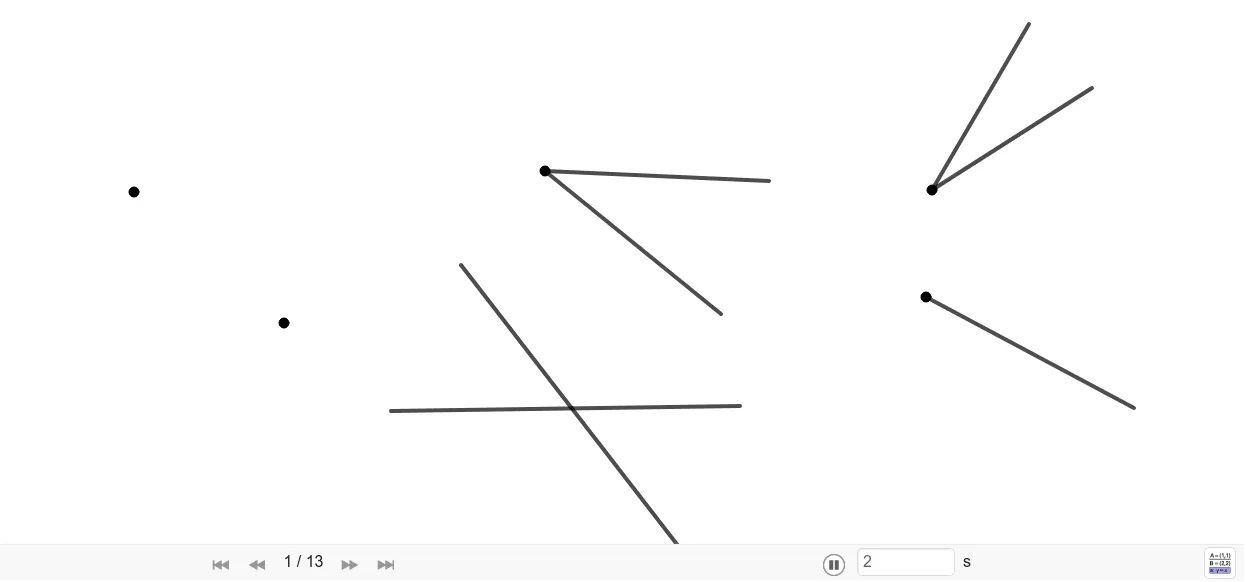
This example demonstrates how to analyze the intersection of a triangle and a circle using geometric constructions. Key mathematical concepts include geometric construction, properties of circles, and calculation of intersection points. The construction involves using commands like Segment, Circle, Intersect, CircleArc, and AngularBisector to create objects such as A, B, C, D, E, F, and others. This example is suitable for students in middle school and above to learn basic geometry and master drawing techniques.
GeoGebra Commands & Parameters
Segment(E, C) → fSegment(C, D) → gSegment(F, H) → hSegment(F, G) → iSegment(I, J) → jSegment(G_1, H_1) → aSegment(I_1, J_1) → bCircle(B, A) → cCircle(A, B) → dPoint(c) → KPoint(c) → LCircleArc(B, K, L) → ePoint(c) → MPoint(c) → NCircleArc(B, M, N) → kPoint(d) → OPoint(d) → PCircleArc(A, P, O) → pPoint(d) → QCircleArc(A, Q, R) → qIntersect(e, p, 1) → SIntersect(k, q, 1) → TLine(S, T) → lCircleArc(C, U, V) → rIntersect(r, g, 1) → WCircleArc(W, Z, A_1) → sIntersect(r, f, 1) → B_1Circle(B_1, Radius[s]) → tPoint(t) → C_1CircleArc(B_1, C_1, D_1) → c_1Intersect(s, c_1, 1) → E_1Ray(C, E_1) → mPoint(m) → F_1Segment(C, F_1) → nAngularBisector(b, a) → f_1, g_1Point(g_1) → K_1Point(g_1) → L_1Segment(K_1, L_1) → h_1Point(f_1) → M_1Point(f_1) → N_1Segment(M_1, N_1) → i_1Angle(i_1, h_1) → αCircleArc(F, O_1, P_1) → d_1Circle(I, Radius[d_1]) → e_1Point(e_1) → Q_1CircleArc(I, Q_1, R_1) → k_1Intersect(d_1, i, 1) → S_1Intersect(d_1, h, 1) → T_1Circle(S_1, T_1) → p_1Point(p_1) → U_1Point(p_1) → V_1CircleArc(S_1, U_1, V_1) → q_1Intersect(k_1, j, 1) → W_1Circle(W_1, Radius[p_1]) → r_1Point(r_1) → Z_1Point(r_1) → A_2CircleArc(W_1, Z_1, A_2) → s_1Intersect(k_1, r_1, 1) → B_2Ray(I, B_2) → j_1Point(j_1) → C_2Segment(I, C_2) → l_1
AI Drawing Prompt Reference
Starting from a given triangle, draw its three sides and place two circles with their centers indicated. Use circle arcs to connect points that arise from intersections between these circles and the lines formed by the triangle’s sides, producing multiple key intersection points and arc segments. Determine a line through appropriate intersection points to extend across the figure. Then, construct additional circle arcs related to one triangle side and find further intersection points to obtain another set of important points. Finally, draw a ray and a segment using those points, construct an angle bisector from the relevant auxiliary lines, connect the bisector’s endpoints to form an extra segment, and include an angle marking near the bisector.
The prompt above was compiled from the original drawing commands and is for reference only.