
GeoGebra Generator Example
Loading the math board and drawing, please wait…
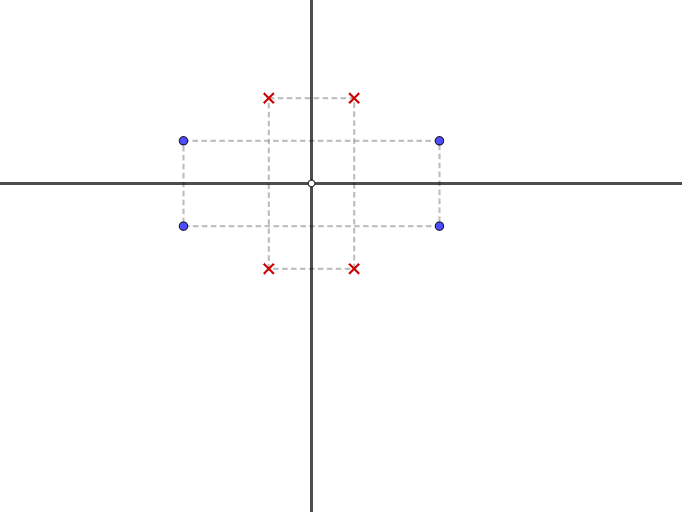
This example demonstrates how to use GeoGebra for geometric constructions, particularly involving reflections, line segments, and points. Core math concepts include symmetry, geometric construction, and function graphing. Construction highlights use of GeoGebra commands like Line and Mirror, along with objects such as E, g, f, D, B, H, G, A, C, c1, F, I, c2. Suitable for high school mathematics teaching to illustrate dynamic changes in geometric transformations and function graphs.
GeoGebra Commands & Parameters
Line(E, yAxis) → gLine(E, xAxis) → fMirror(D, f) → BMirror(H, f) → GMirror(B, g) → AMirror(D, g) → CMirror(G, g) → FMirror(H, g) → I
AI Drawing Prompt Reference
Draw a geometric figure with points E, x-axis, y-axis, and their mirrored points and lines. First, draw the x-axis and y-axis, then mirror the x-axis and y-axis with point E as the mirror center, resulting in points B, G, A, C, F, and I.
The prompt above was compiled from the original drawing commands and is for reference only.